
Deploying your Echo Agent

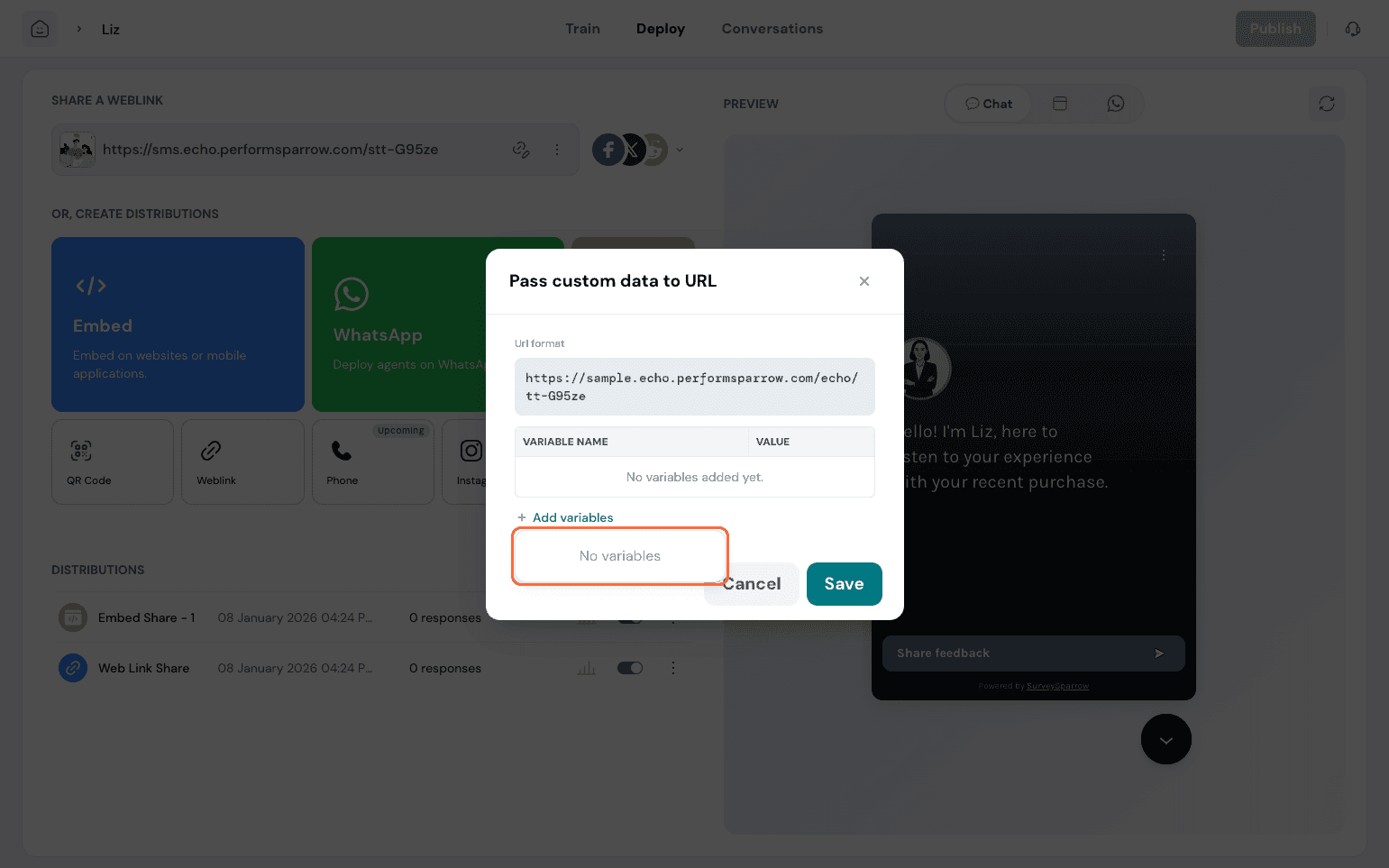
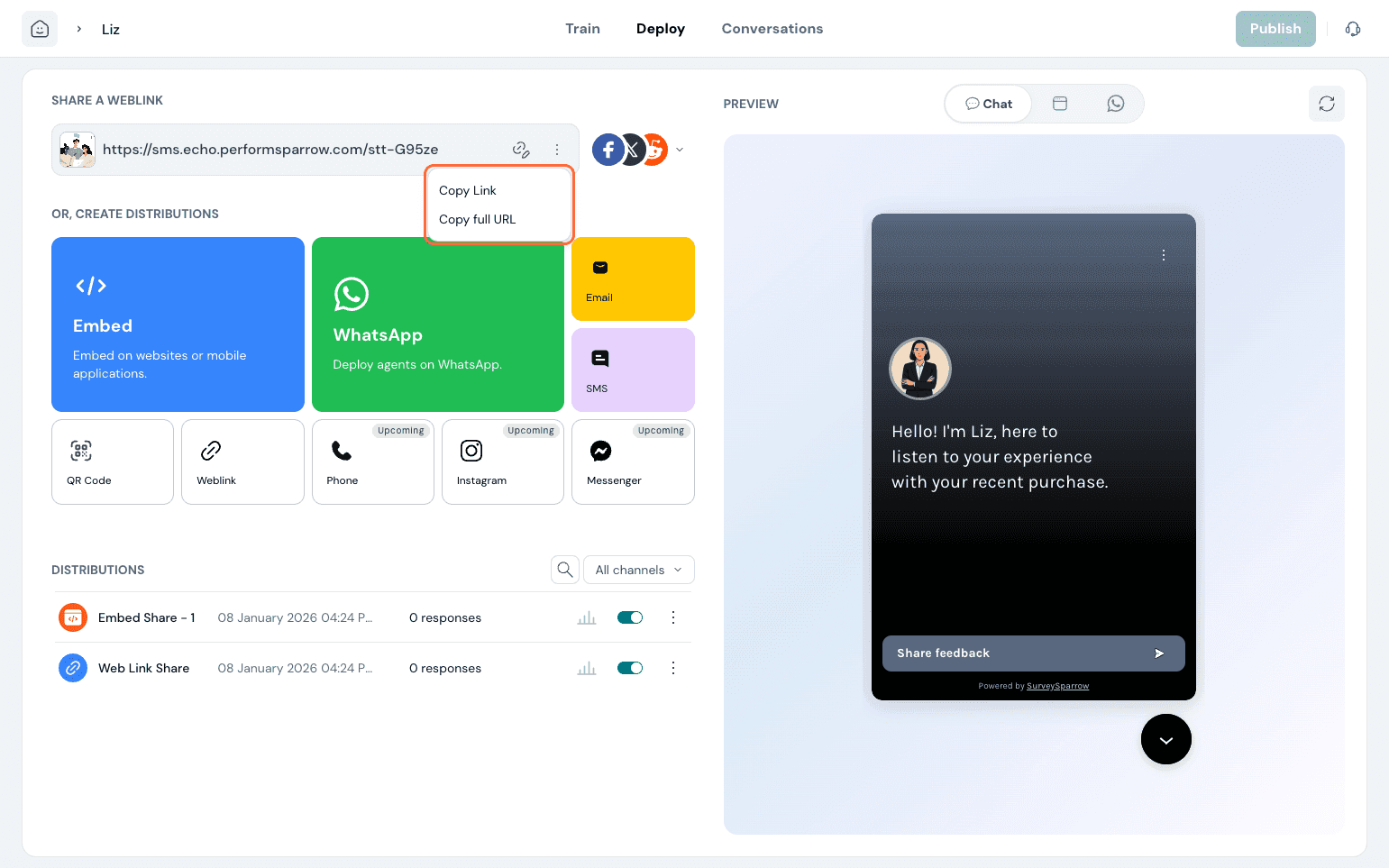
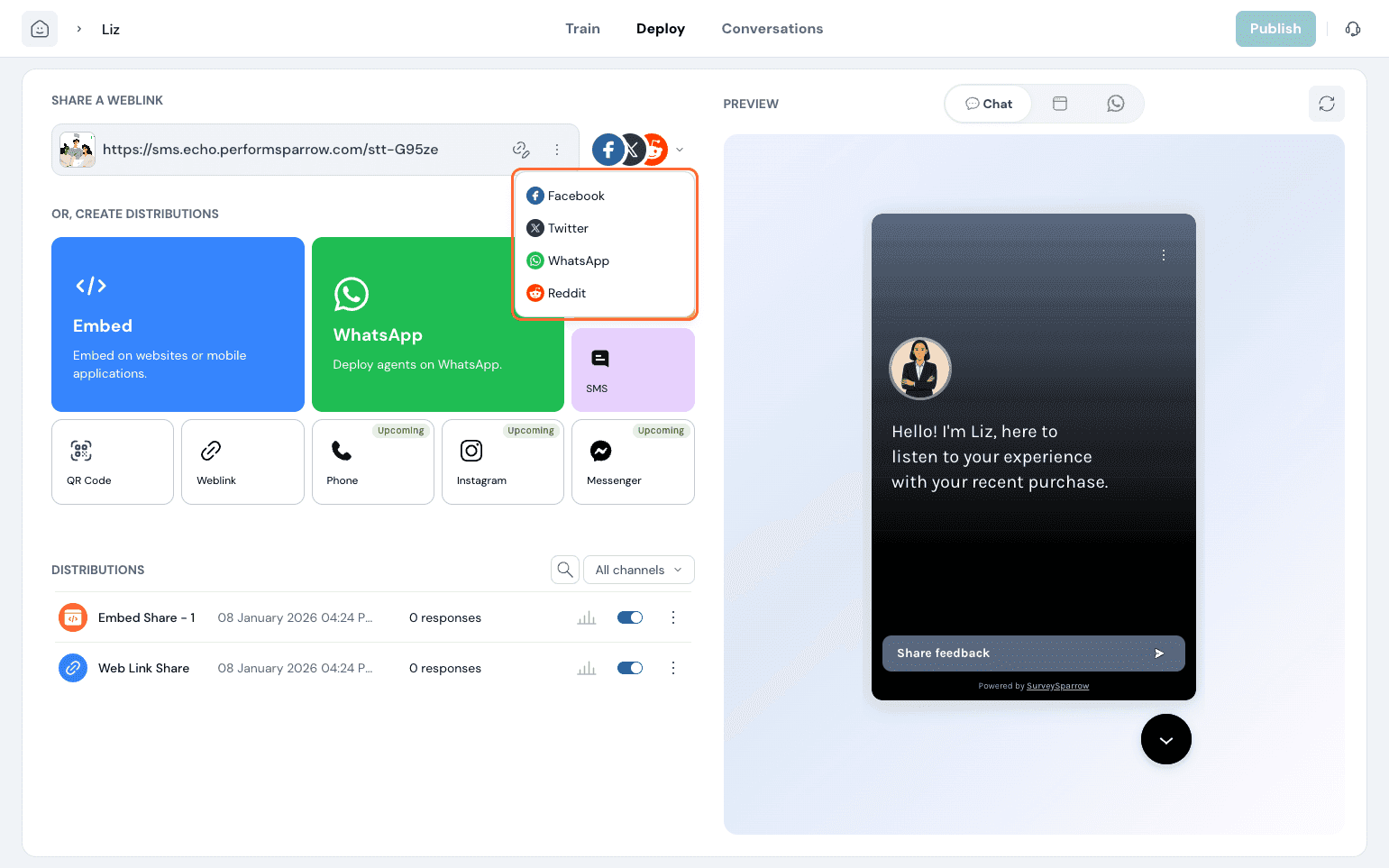
You can share or deploy your agent across multiple channels. At the top, you'll find the Web Link option, where you can personalize the URL by adding variables to create a customized experience. You can also share your agent through different options such as Web Link, Social Share, and Email to distribute your agent across the channels most relevant to your audience.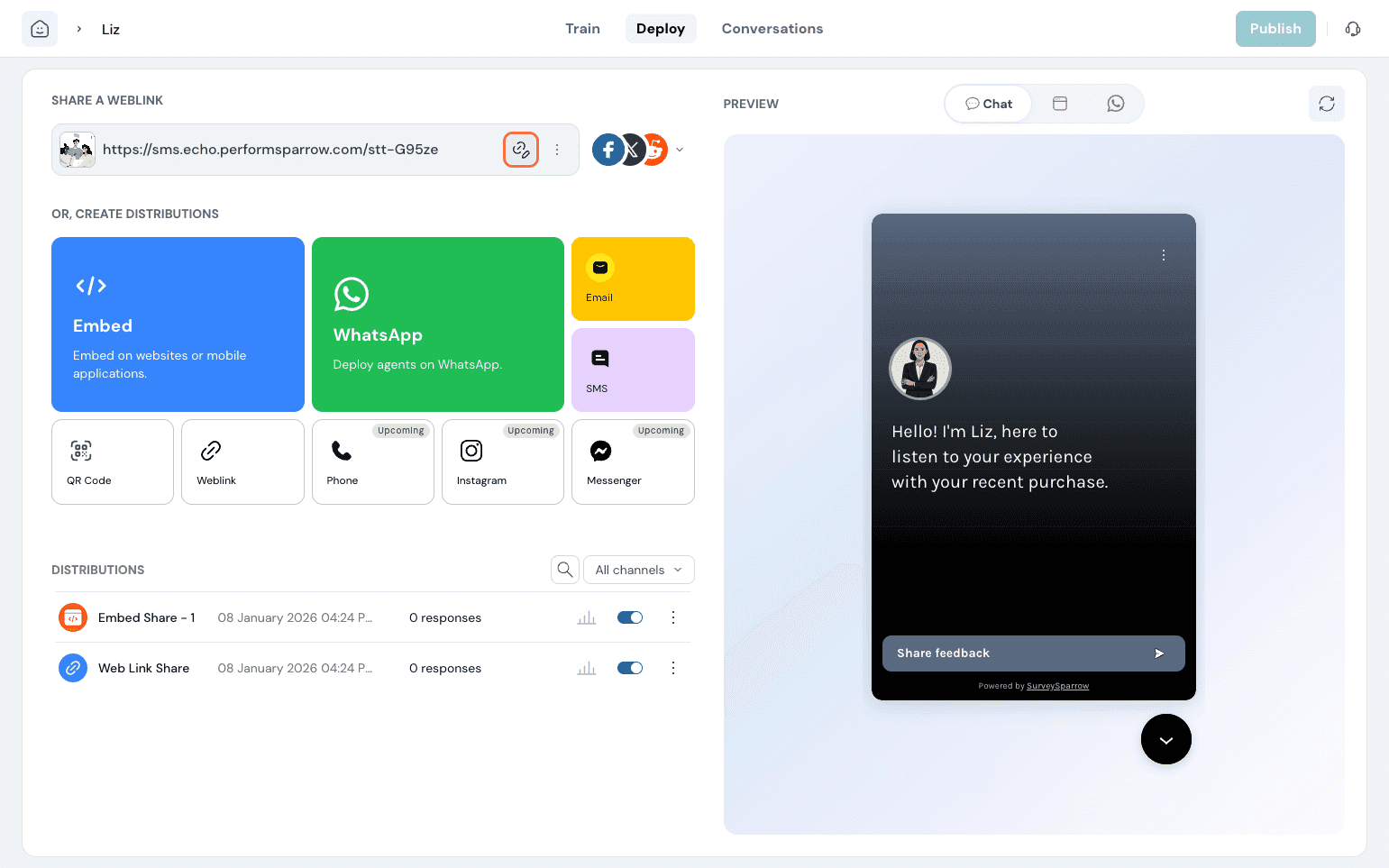
Embed:
This helps you have the agent embedded on your website. Click on it and paste the code in the pages you wish the agent to be in. Additionally, you can capture visitor details by pasting the relevant code.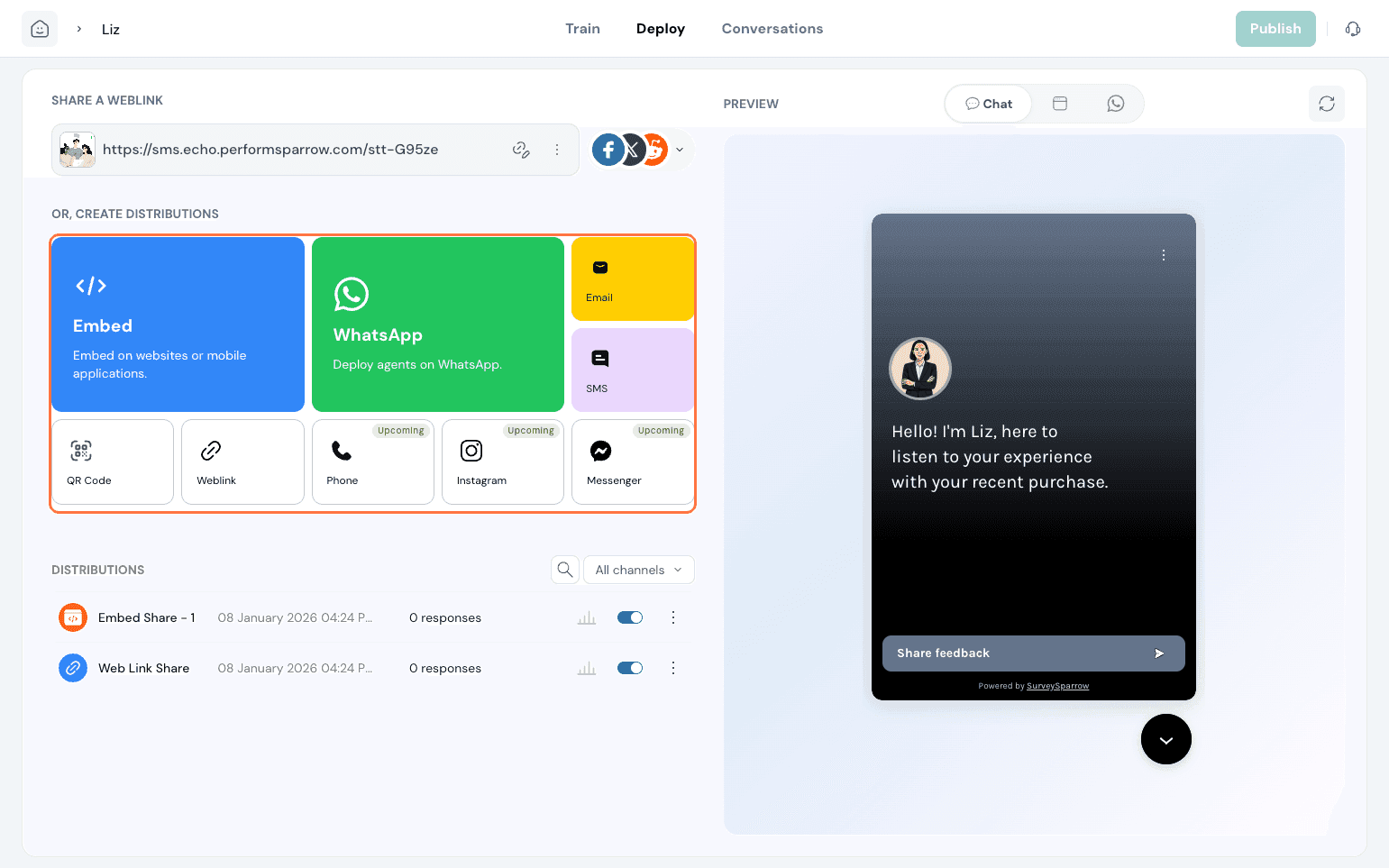
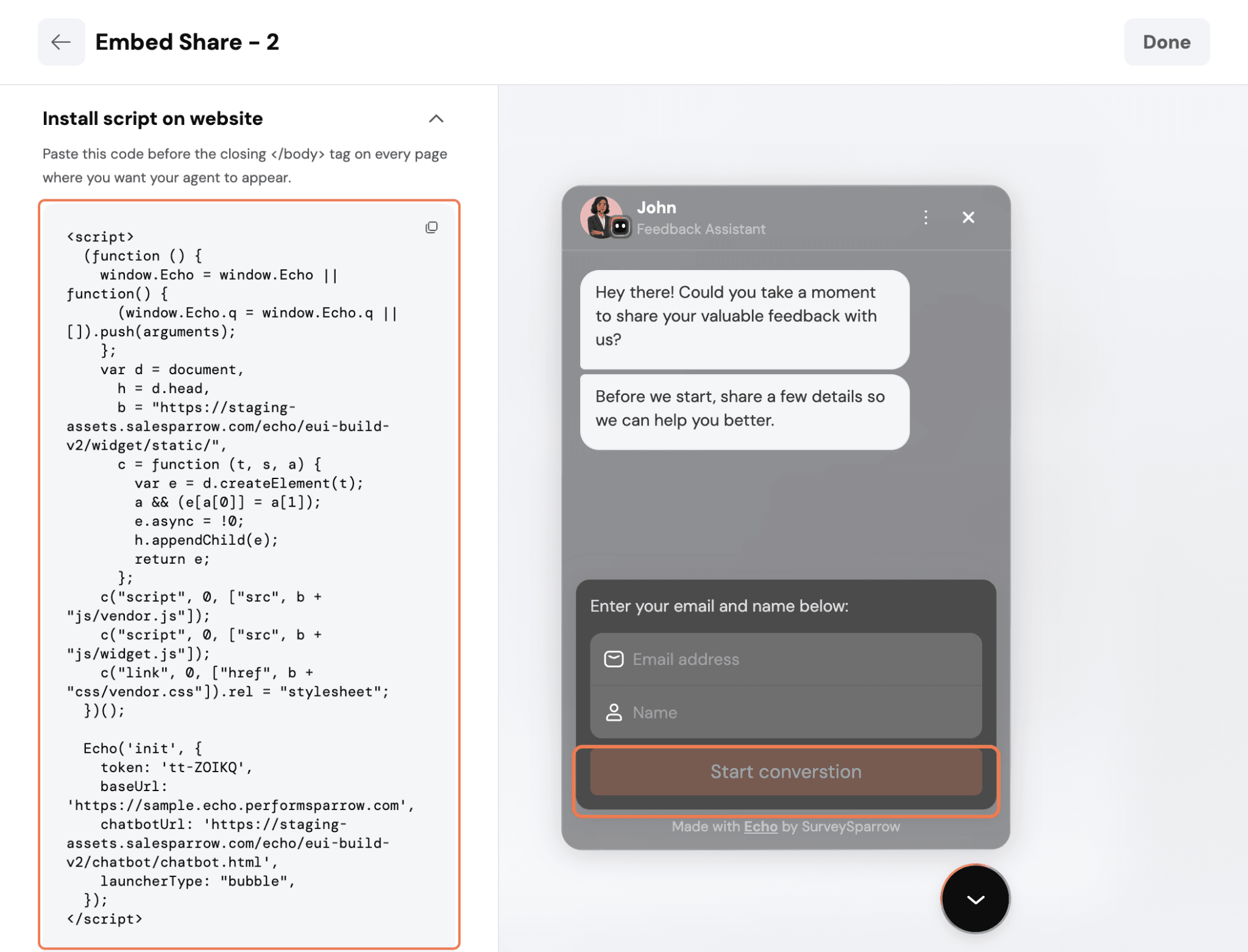
User details- The Deploy page lets you pre-set the user's email address for an embedded conversation.
When an email address is provided in the deployment configuration, Echo can use it when the conversation starts, so users don't have to provide the same information again during the interaction.
This is useful when the user's email is already available from the application or workflow where the Echo conversation is embedded.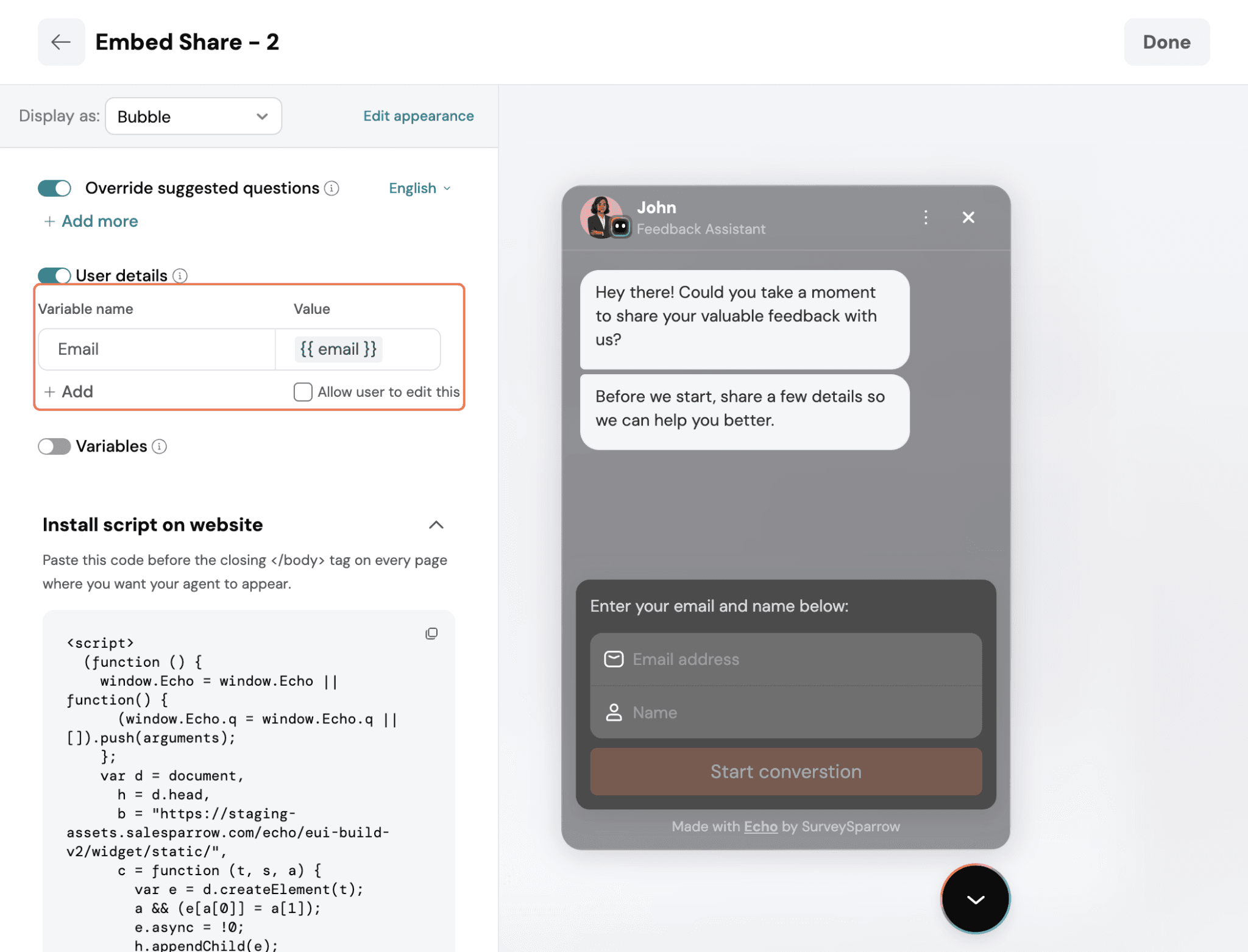
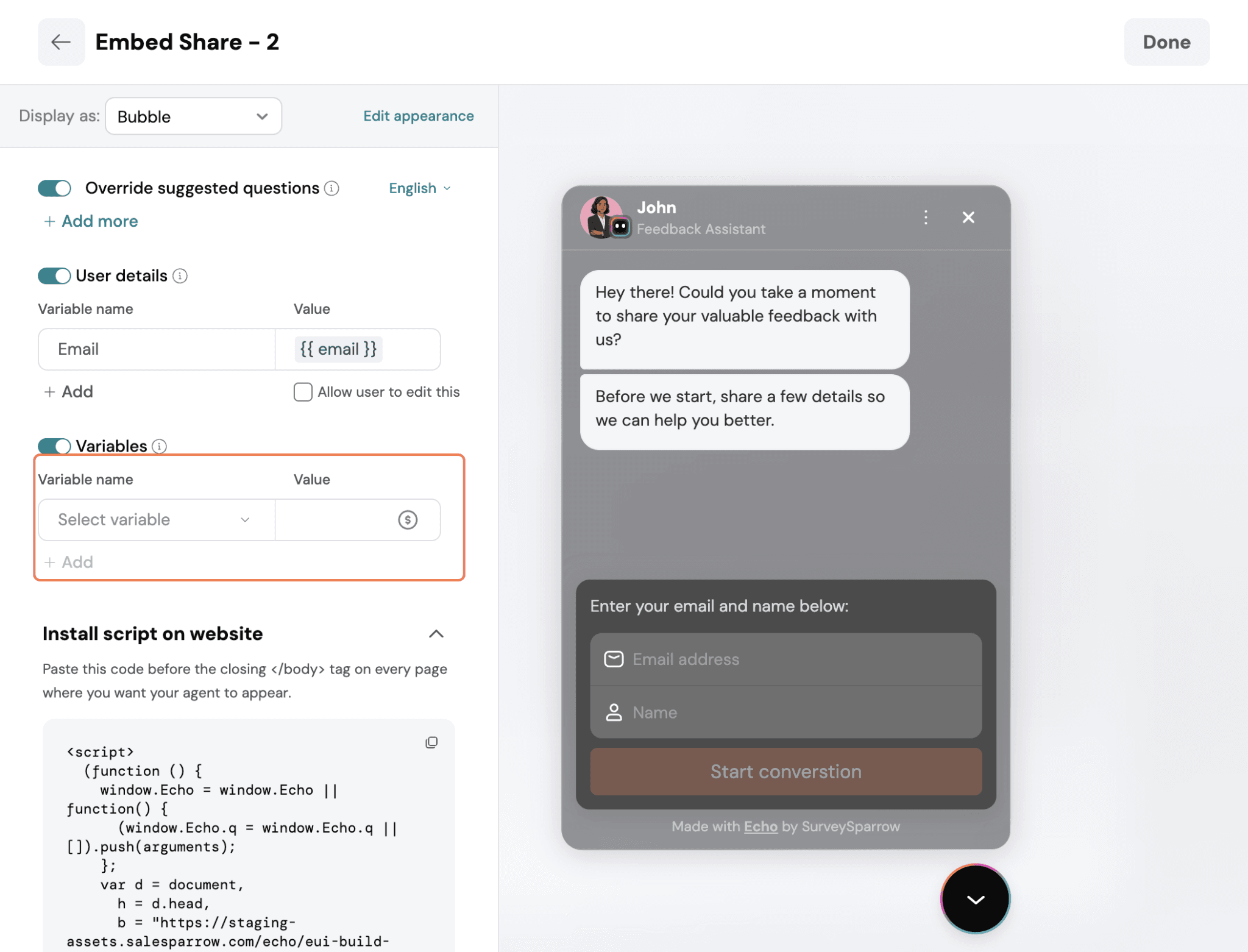
WhatsApp:
Deploy agents via WhatsApp.
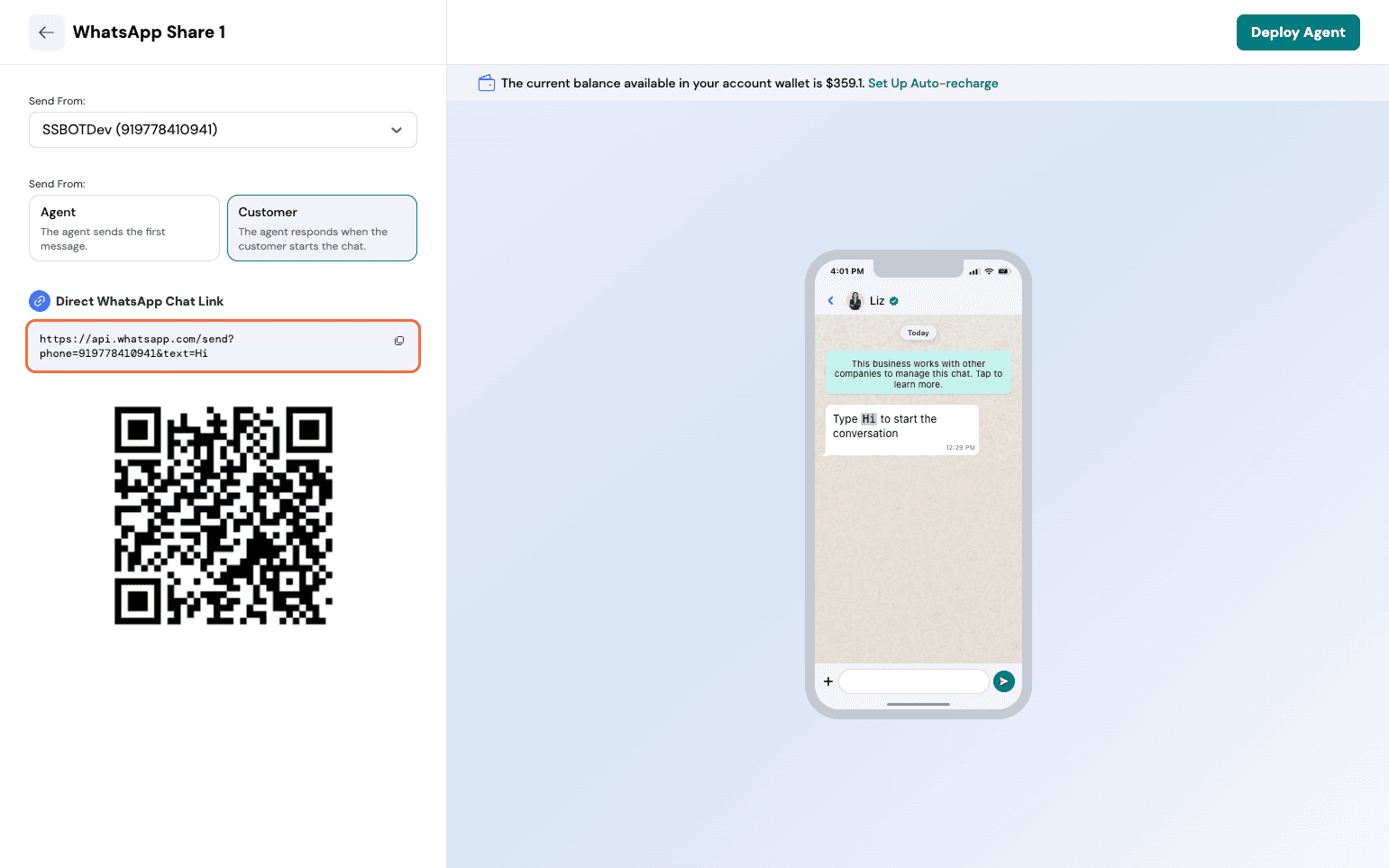
You can choose between Agent and Customer Mode.
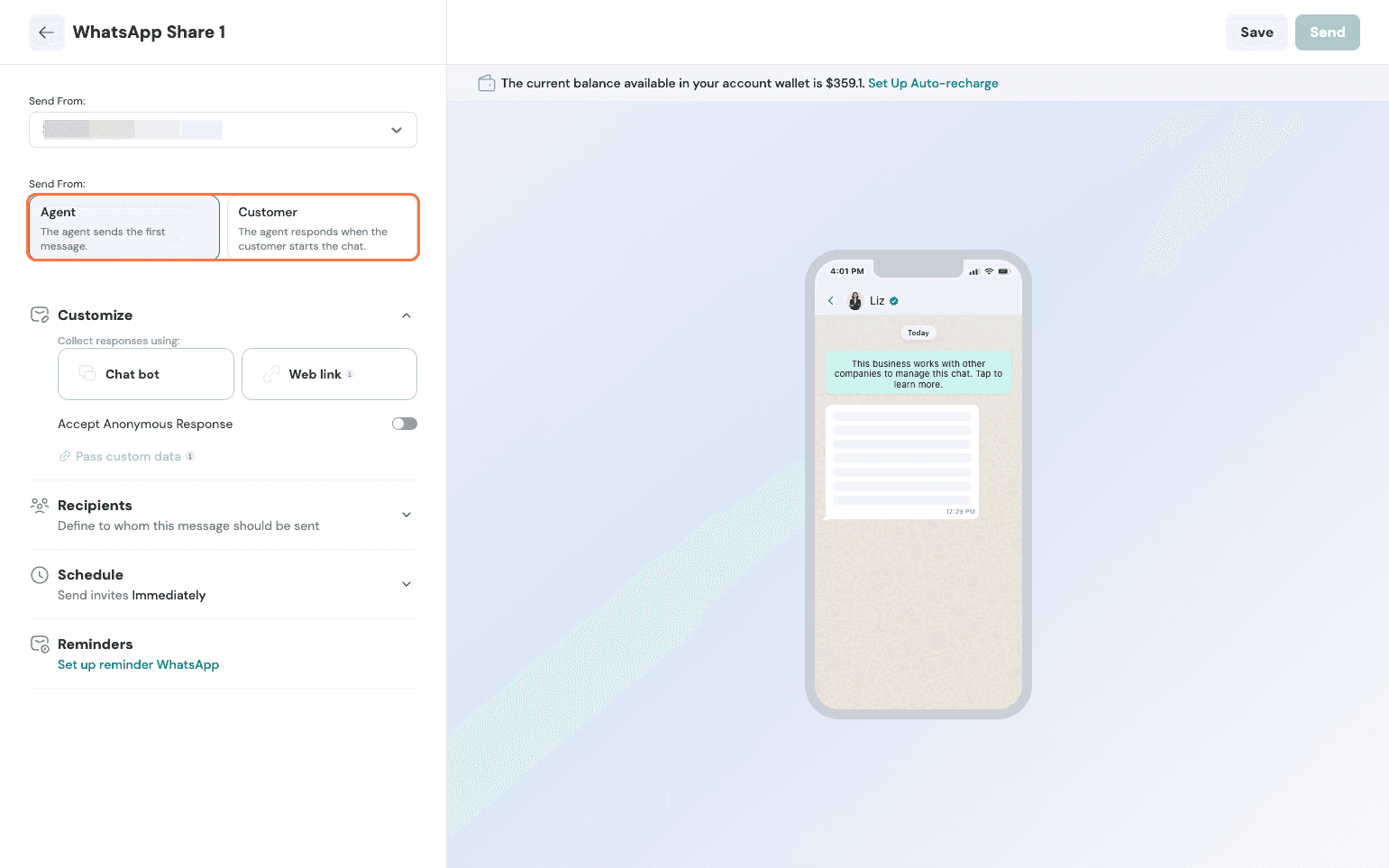
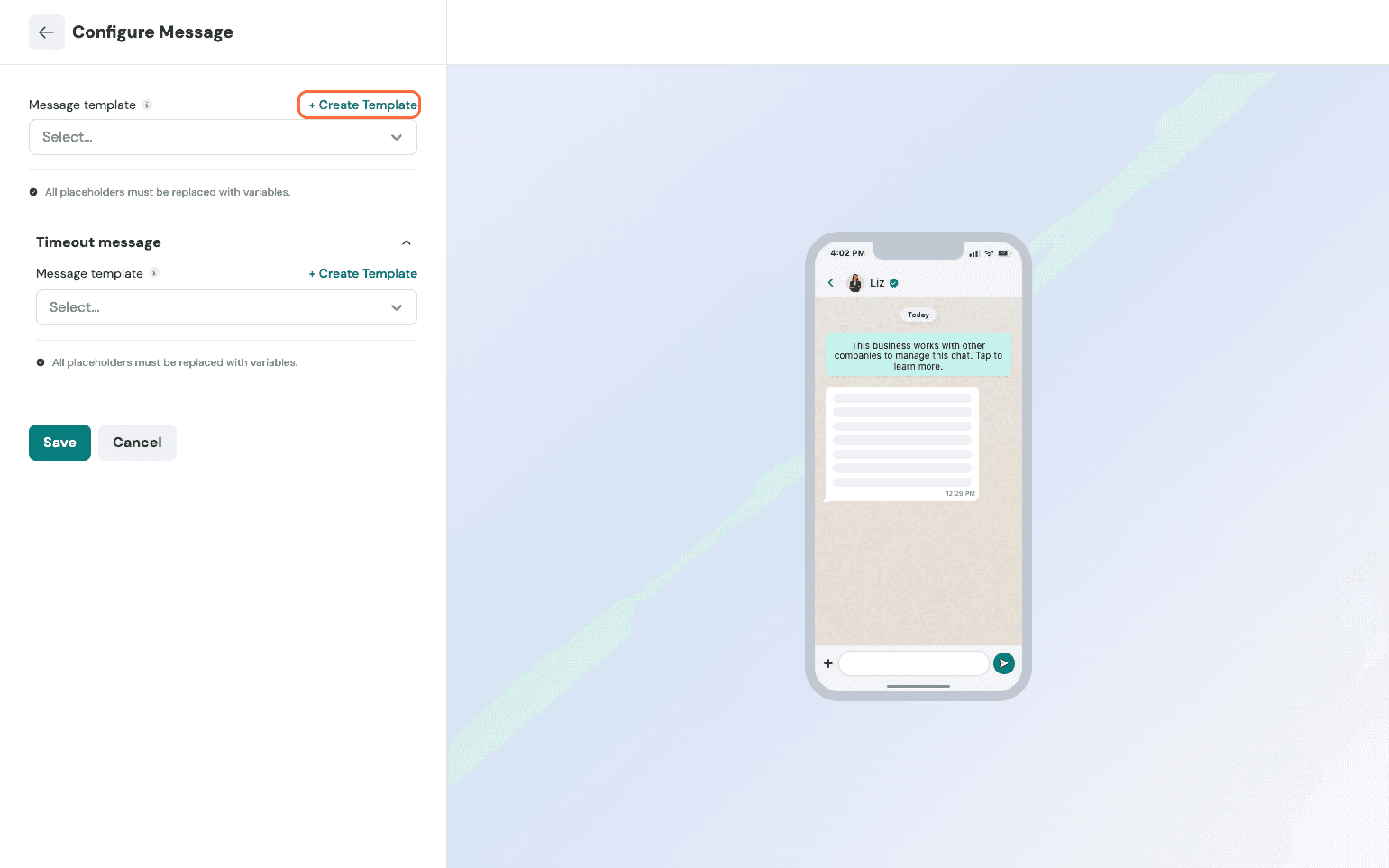
Here, we can see the chatbot setup. If you want a new template, you can choose to create one and save.
Email:
The Email share is very similar to what exists for surveys. Follow the same process detailed here.
SMS:
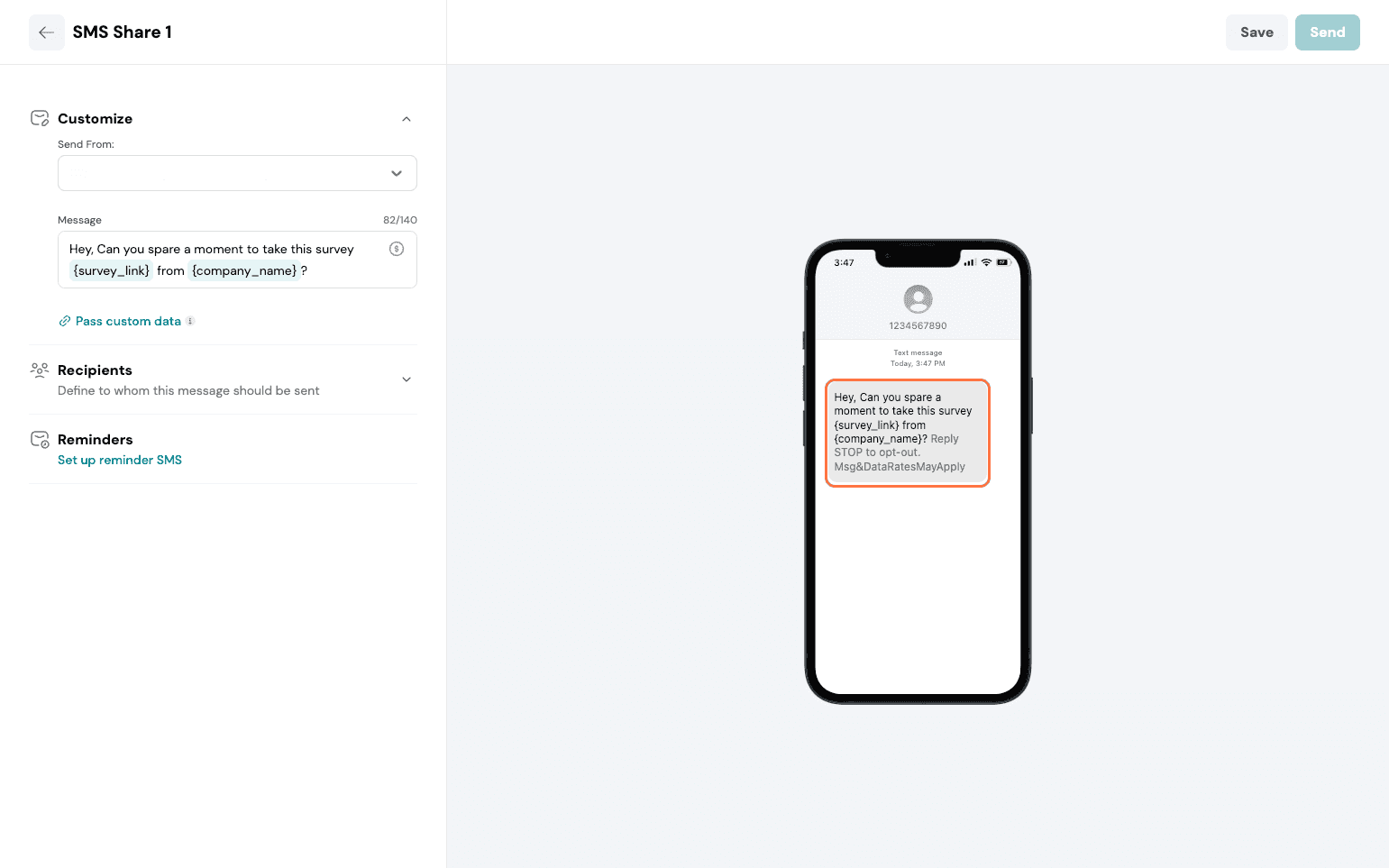
The SMS share is very similar to what exists for surveys. Follow the same process detailed here.
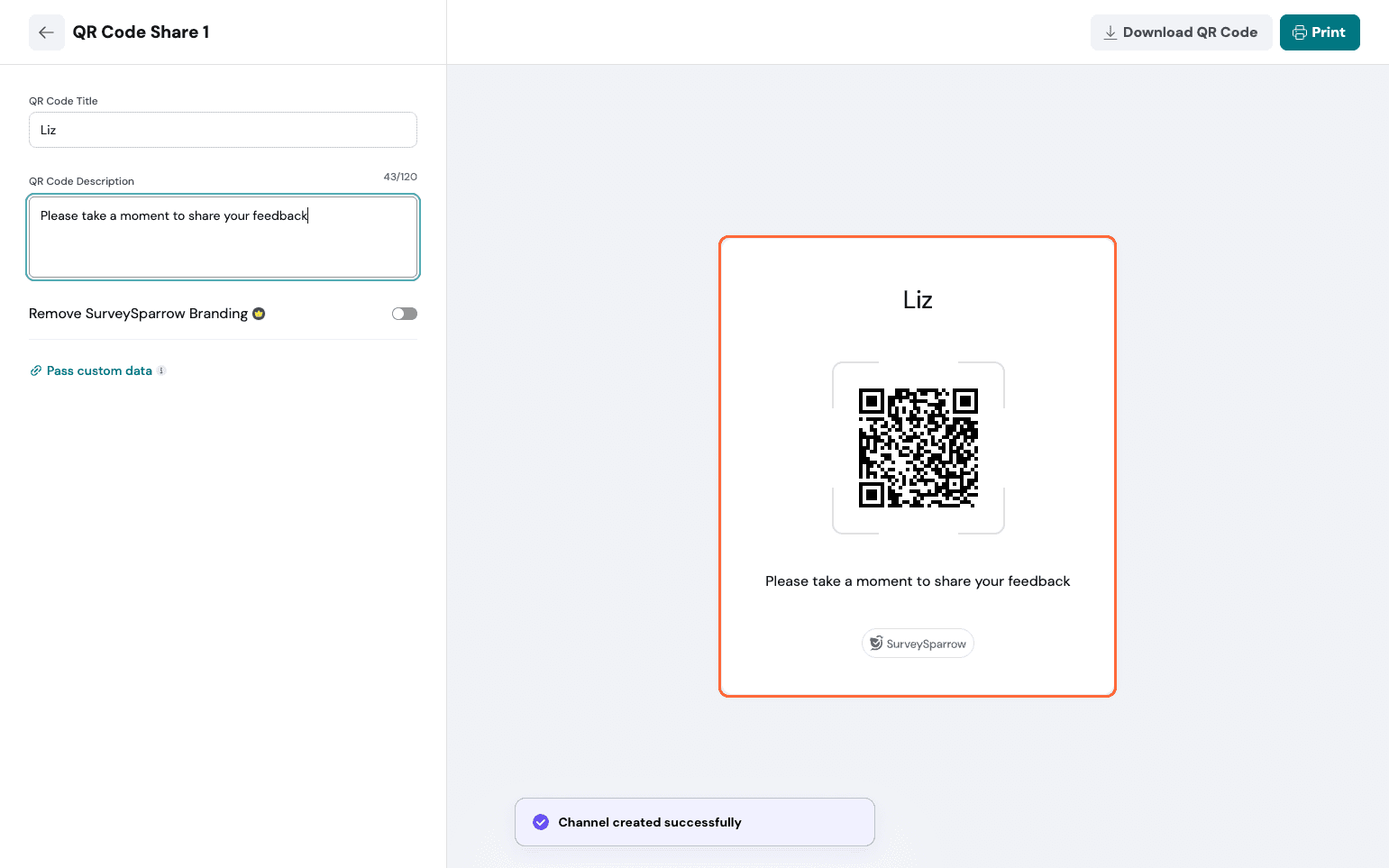
Set up a name and description, add custom variables, then generate the QR Code.
Weblink:
You get the additional option of editing the OG image via this share.
Once shared, you start getting your distribution analytics right below the share channels.
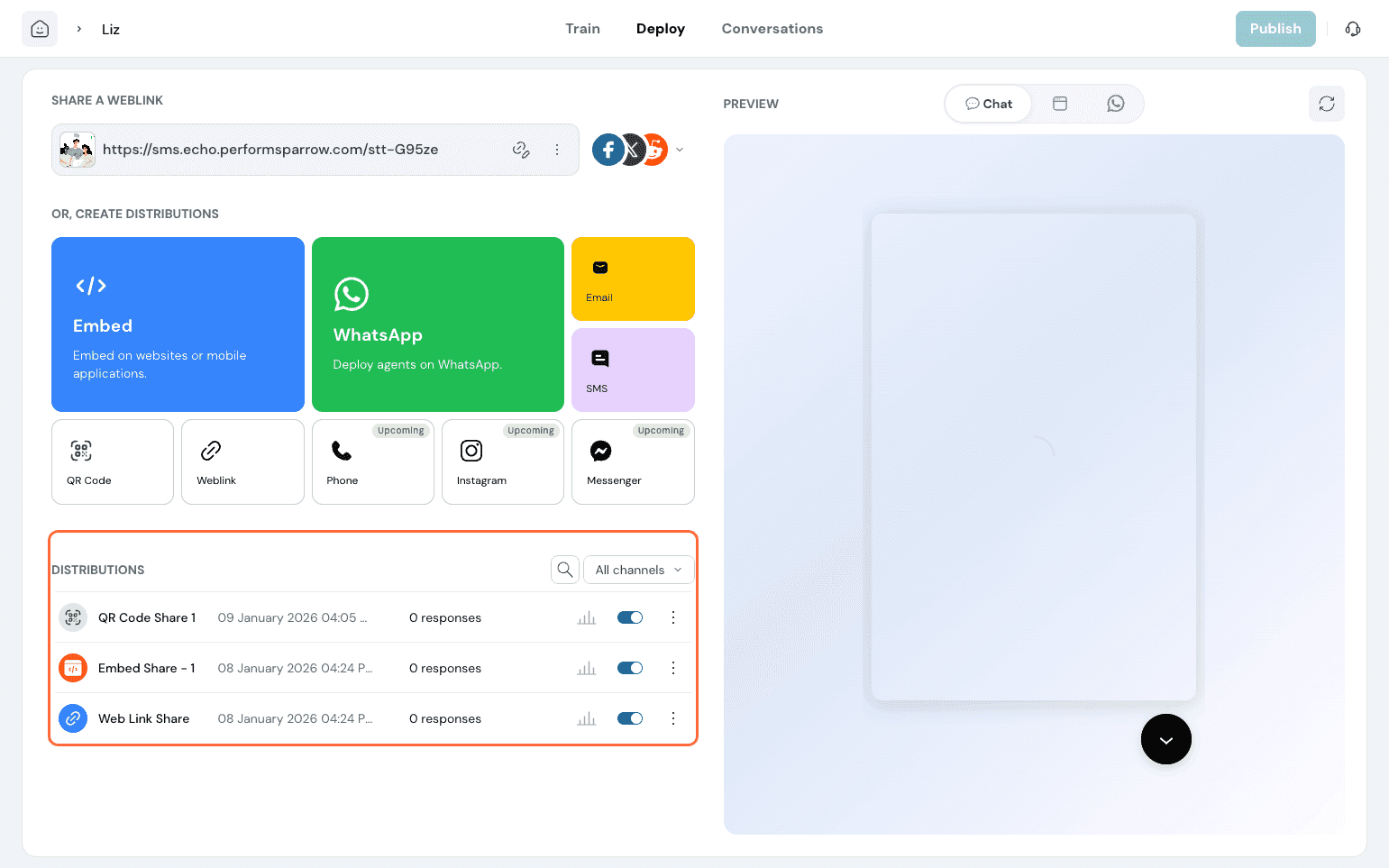
You can have detailed analytics on how many users answered from each channel.