
How can I change my survey URL?

To change your survey URL, from your builder page, click on survey settings. Now under survey settings, you can see the Survey URL tab, and change the URL according to your requirements.
Refer to the example below:
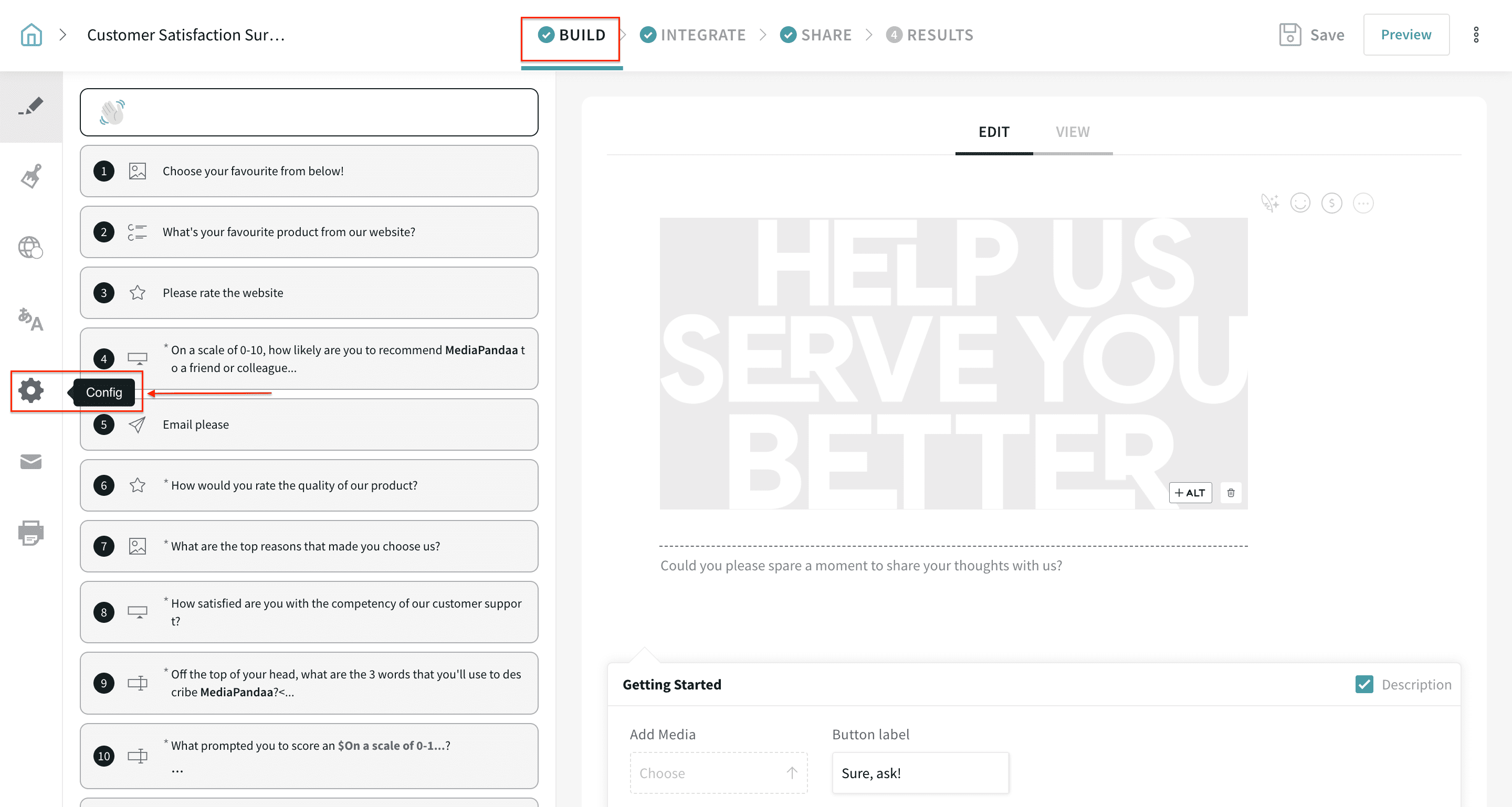
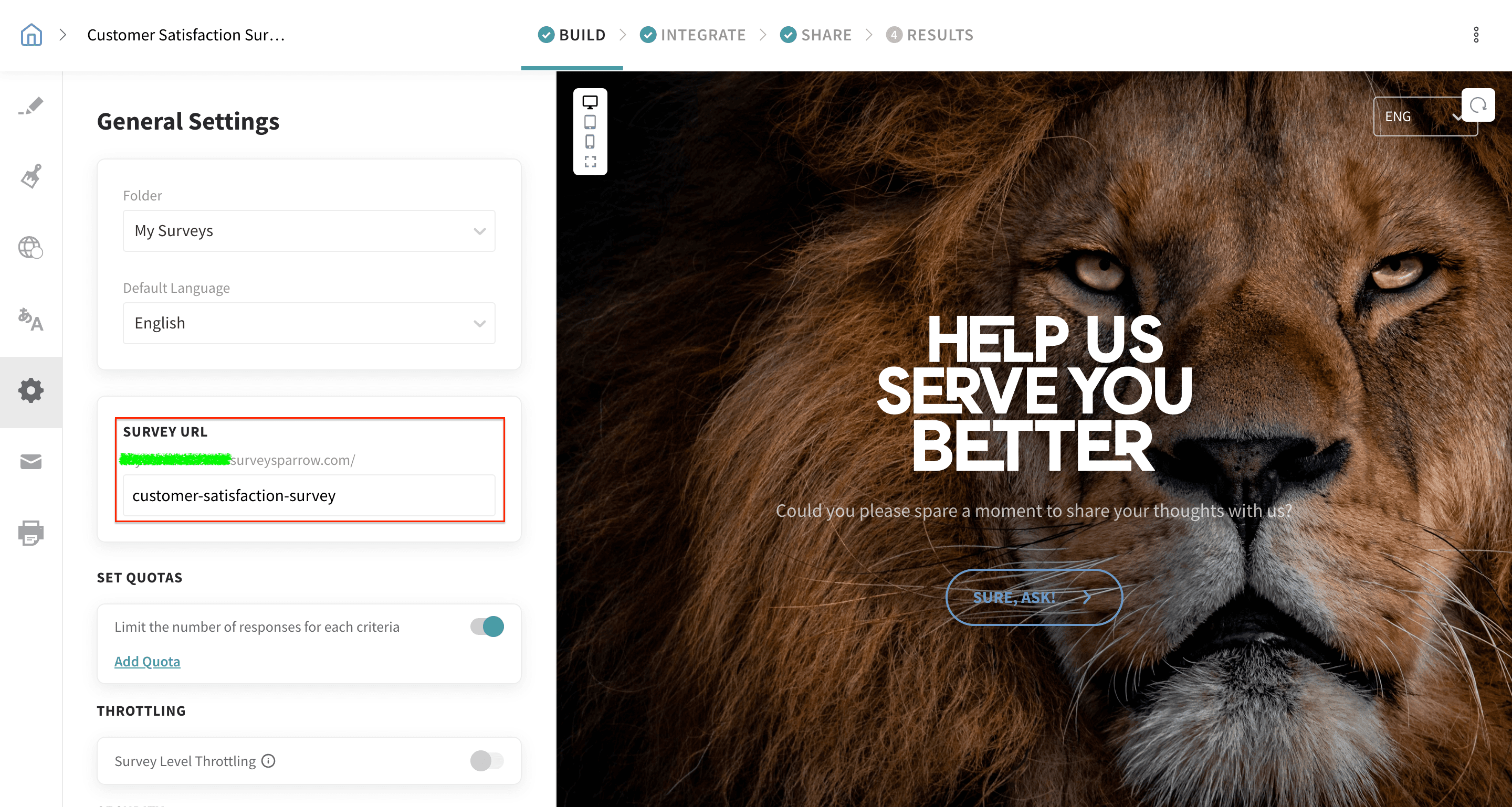
That’s all. We have changed the survey URL without much hassle.
Note: The token at the end of a SurveySparrow share link (for example, the "tt-" part) is system-generated and cannot be manually edited. This token may change automatically if you update an existing distribution/share (for example, editing the Weblink channel settings). Even if the token changes, previously copied links generally continue to work and responses are still recorded for the same survey.
Important: Weblink links are anonymous and do not identify individual respondents, so they cannot reliably prevent duplicate submissions by the same person. If you need duplicate prevention, use an authenticator/unique respondent identifier (for example, email/SSO) instead of a public weblink.