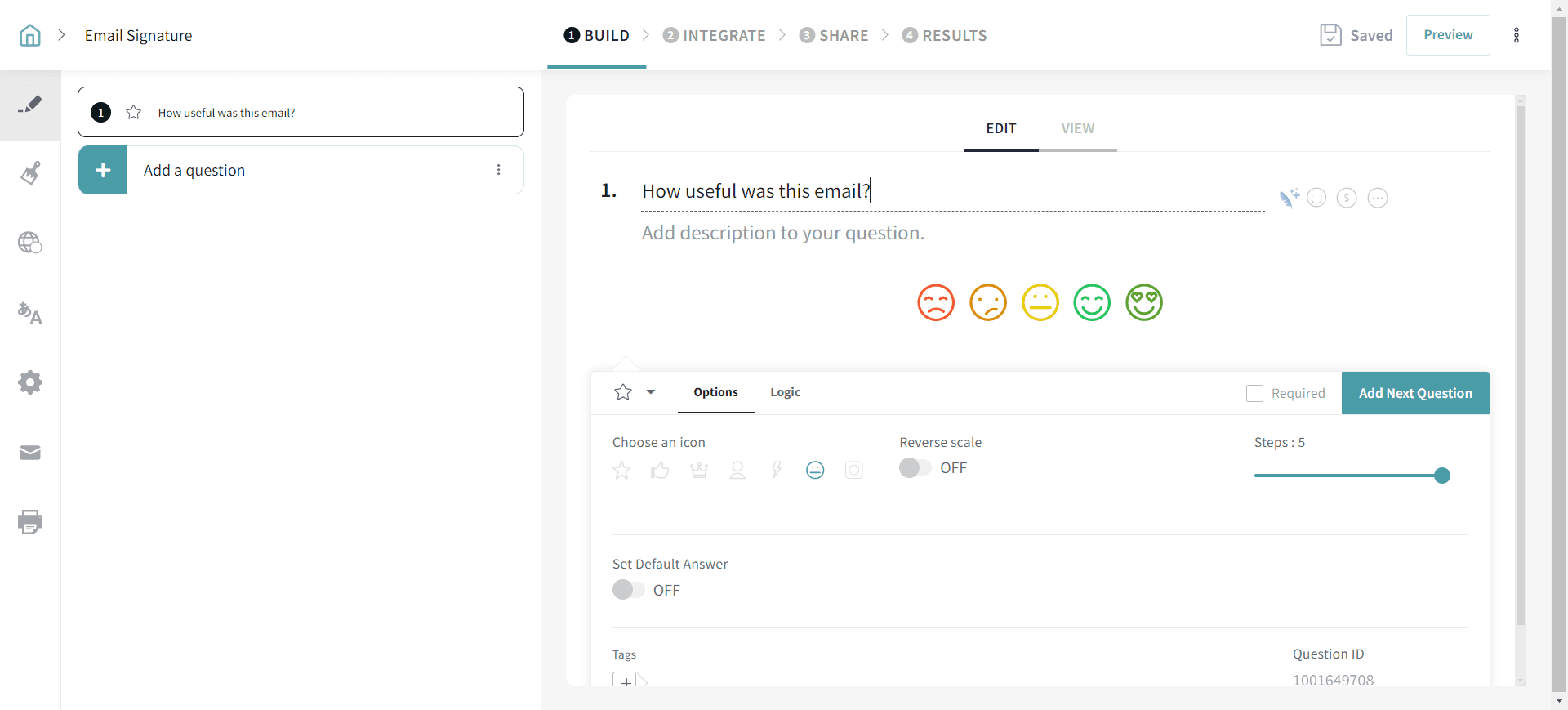
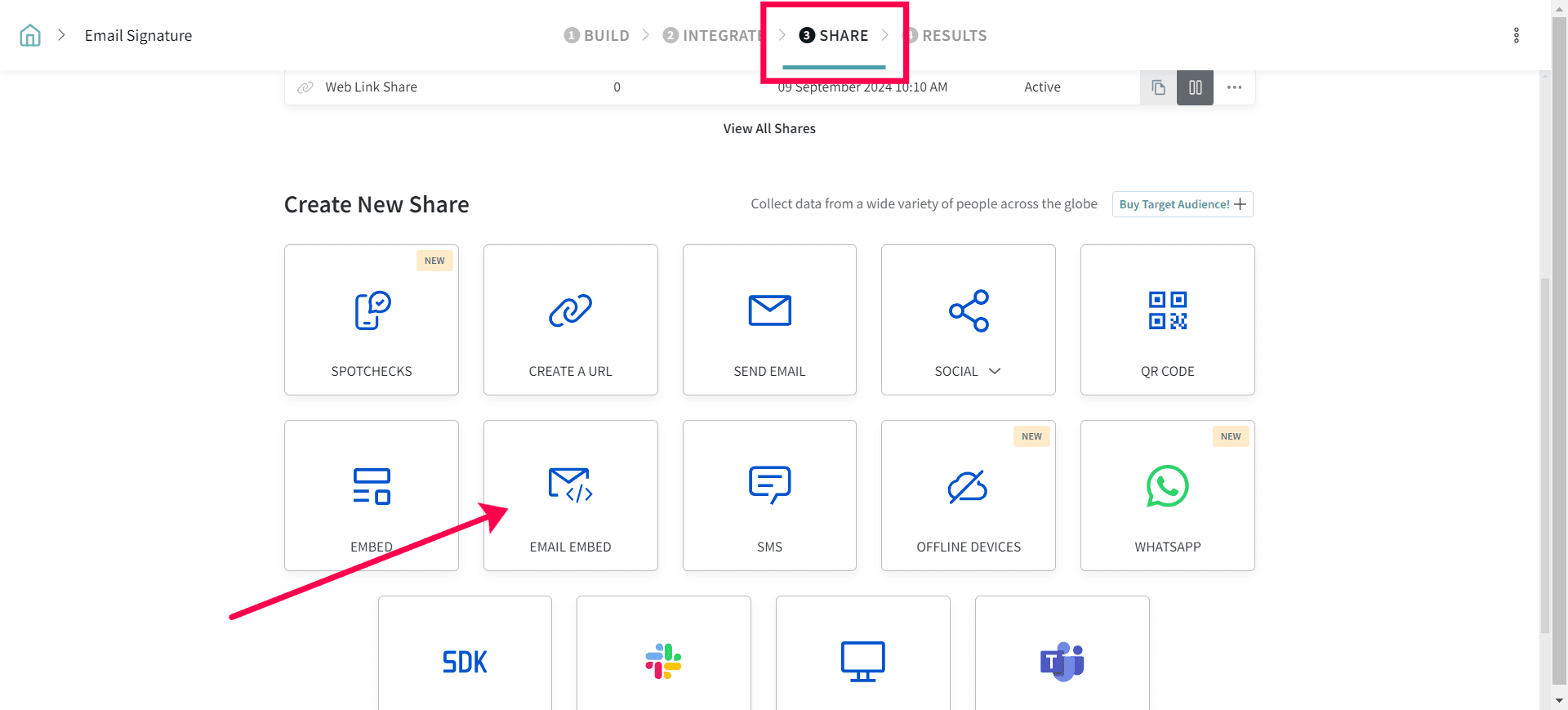
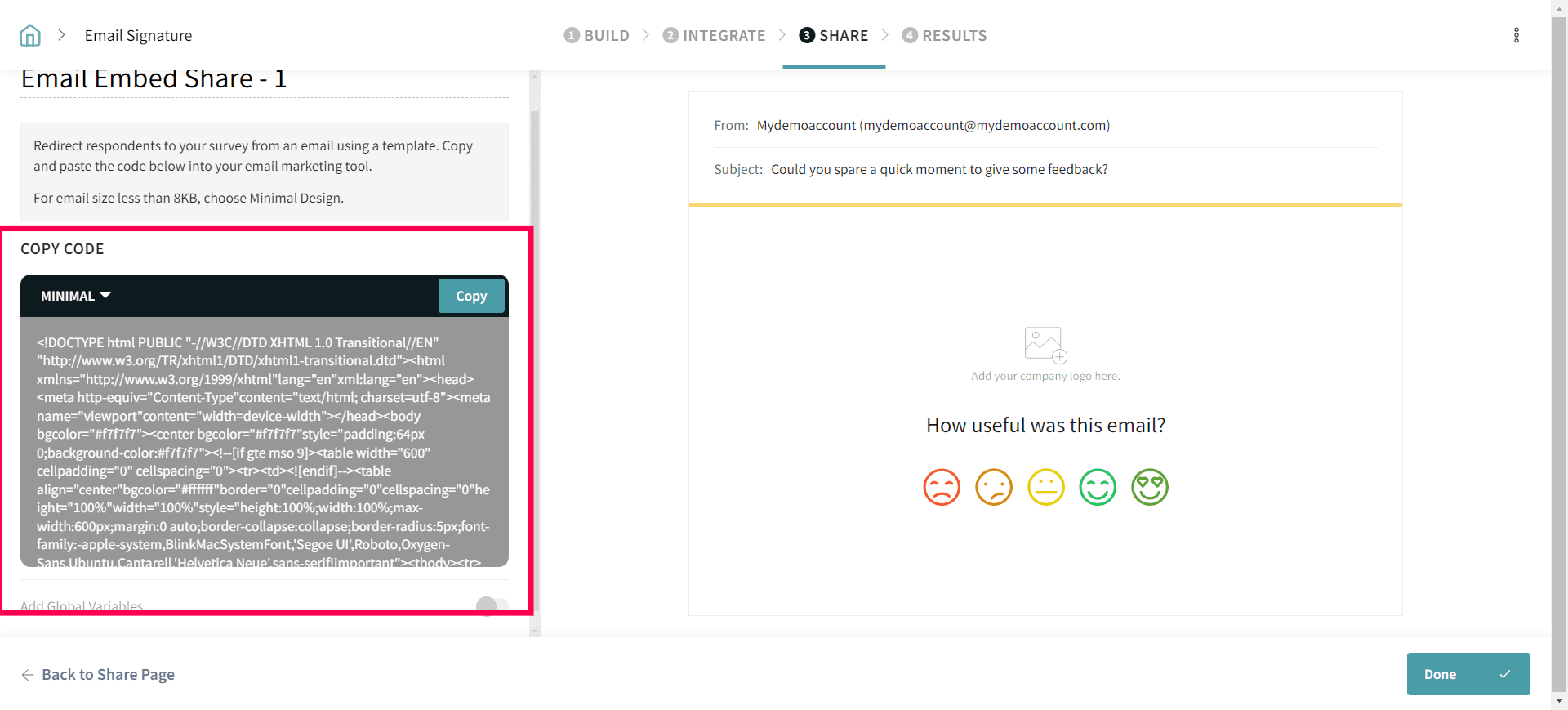
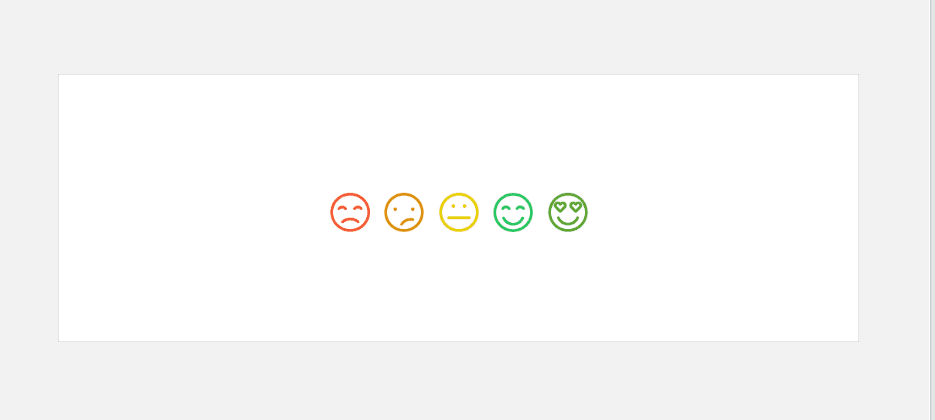
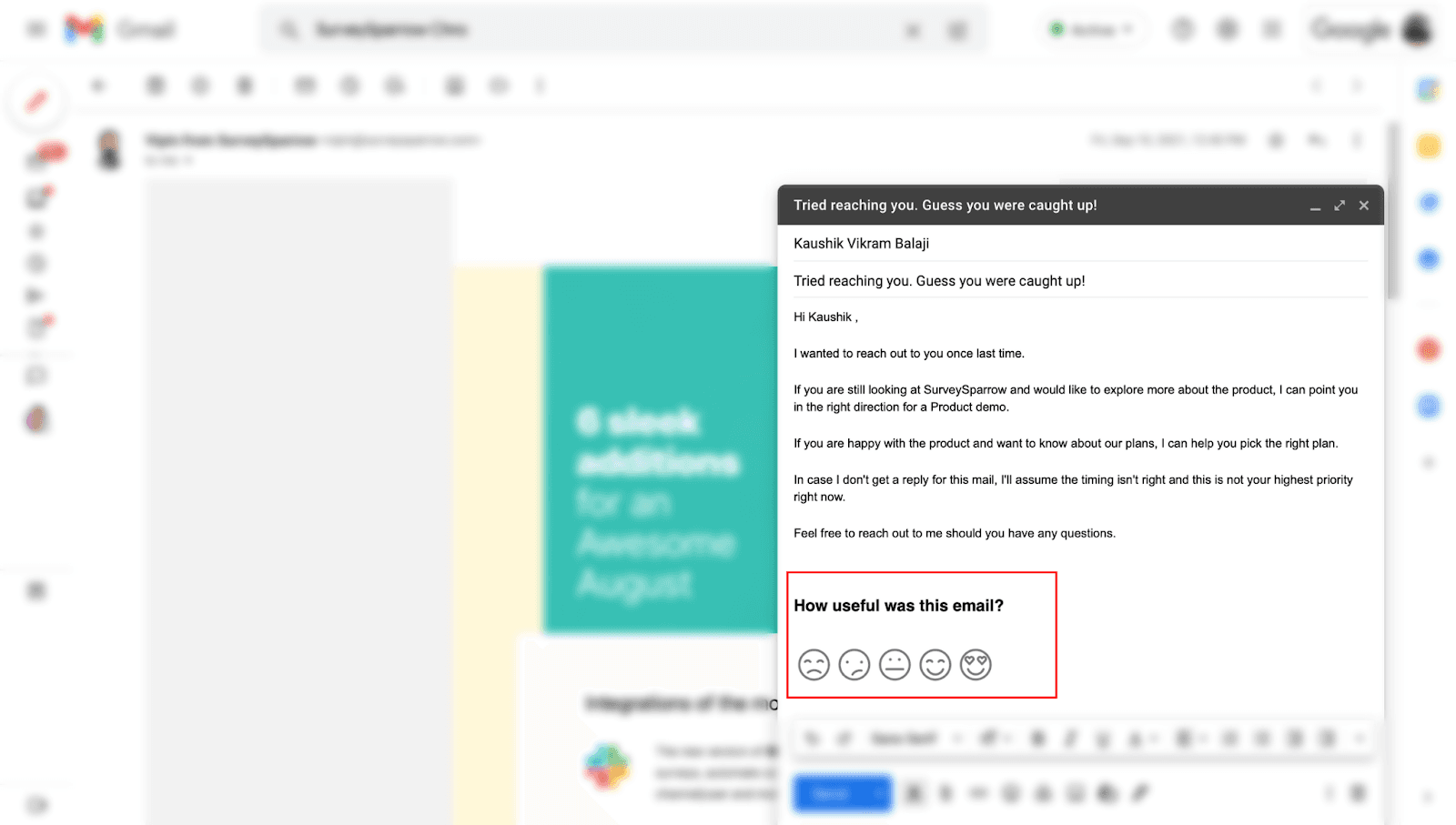
5. Copy the survey content along with the emojis from the Output. Refer to the screenshot below.
6. Paste the copied content in your email body.
Use-cases
When you write educational emails to your customers/partners, you can embed this. It can be educating them about your product feature, helping them overcome their challenges or anything you did that benefited them.
You can ask any respondents for their feedback experience once the service has been offered.
Tips:
Have the HTML file name handy. You can embed the survey anytime you want.
If you want to set up the email signature by default in all the emails, follow the steps below.
Step 1:
Open Gmail Settings. Refer to the screenshot below and select "See all Settings."
Step 2:
Copy the content in the Blank space under Signature.
Please reach out to us if you have any questions. We are just a chat away!