How to Configure Settings in Echo

Configure your Echo agent to match your brand and conversation goals.
Customize your agent's identity, communication style, and conversation behavior to create a consistent experience across every interaction. Fine-tune key settings to ensure your agent responds naturally, represents your brand accurately, and delivers the experience you want your users to have.
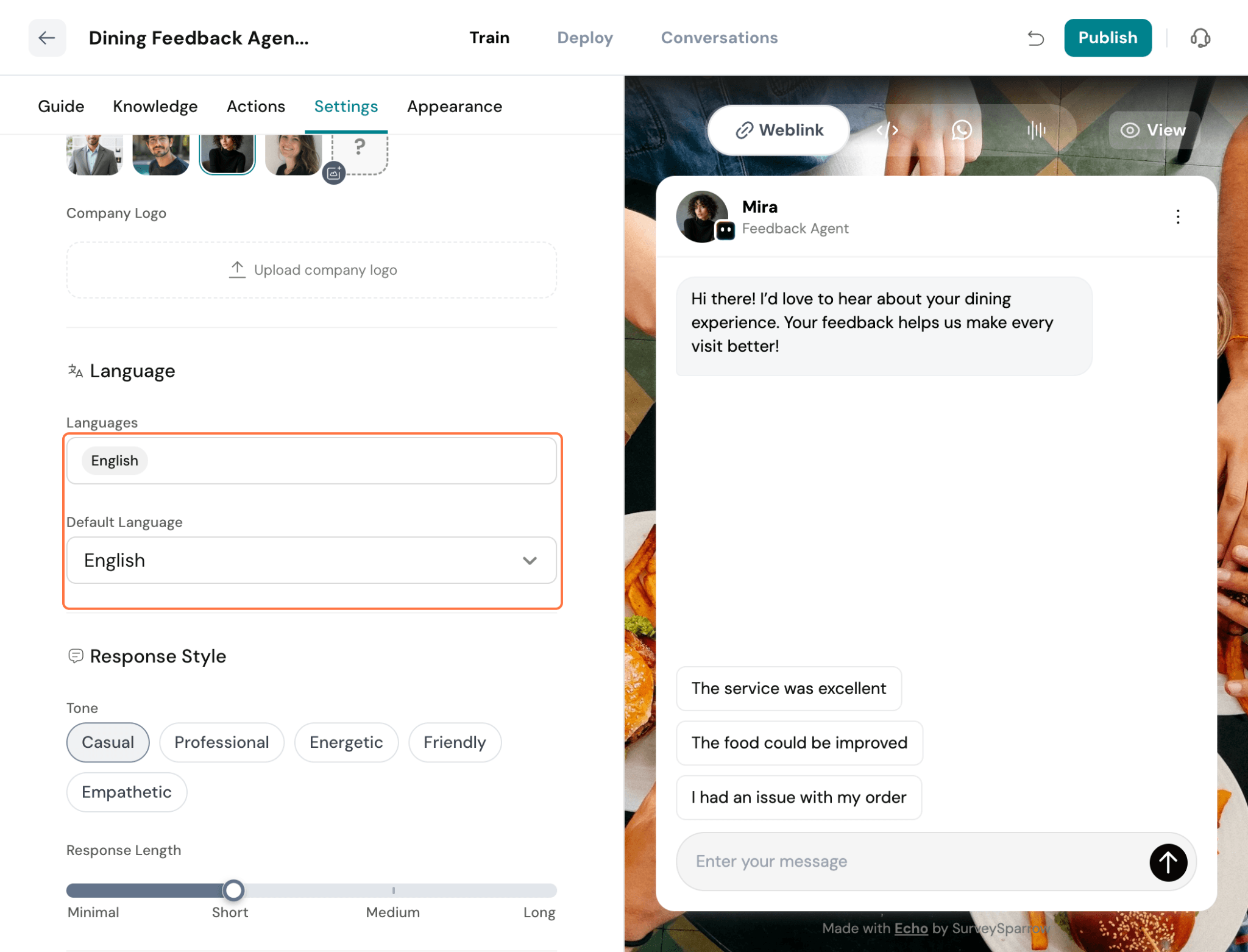
The General Settings section lets you configure your agent's core properties, including its name, role, avatar, language, and response style. These settings define how your agent presents itself and communicates with users across every conversation.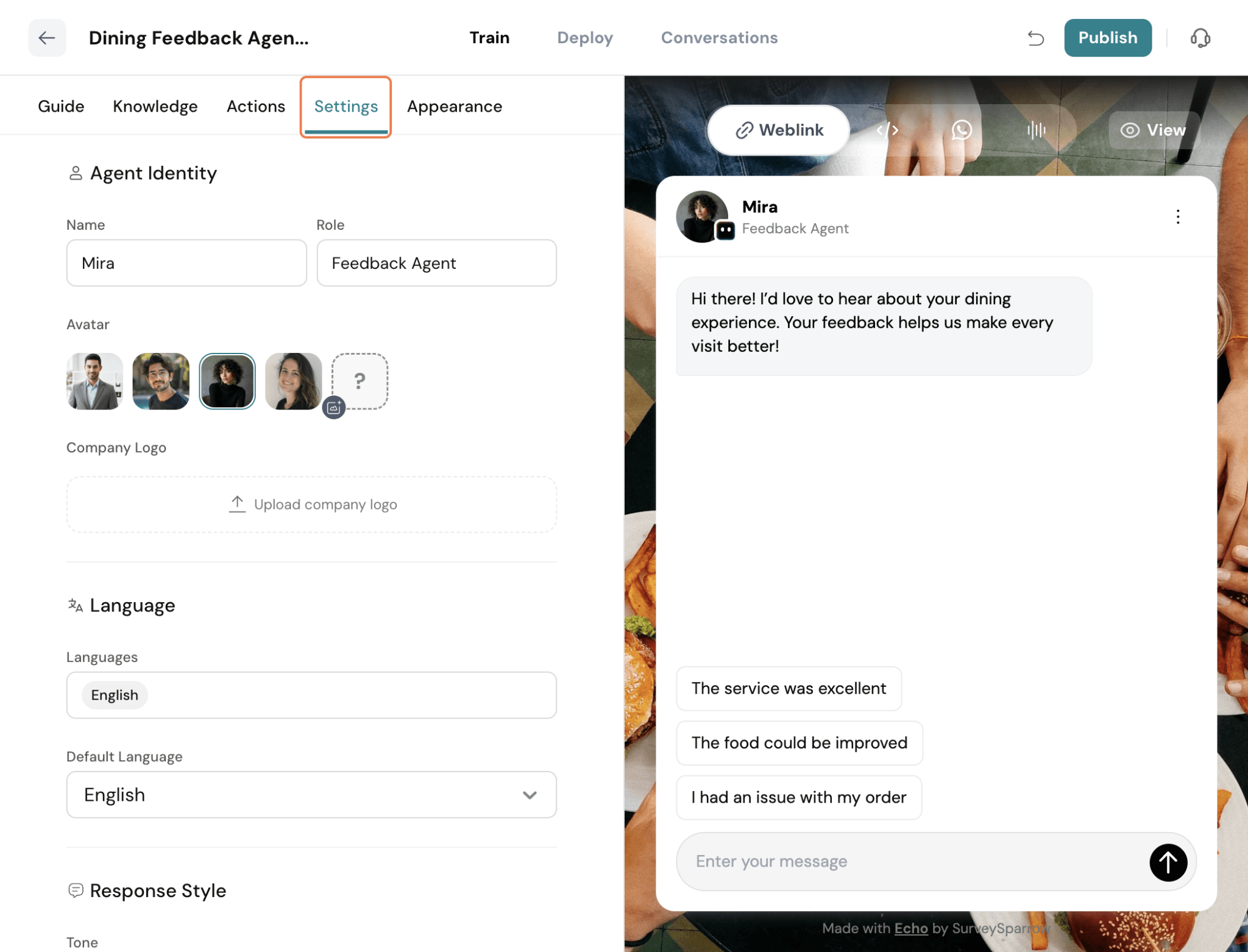
Name – Enter a name for your agent. This is the name that will be displayed to users during conversations across all supported channels.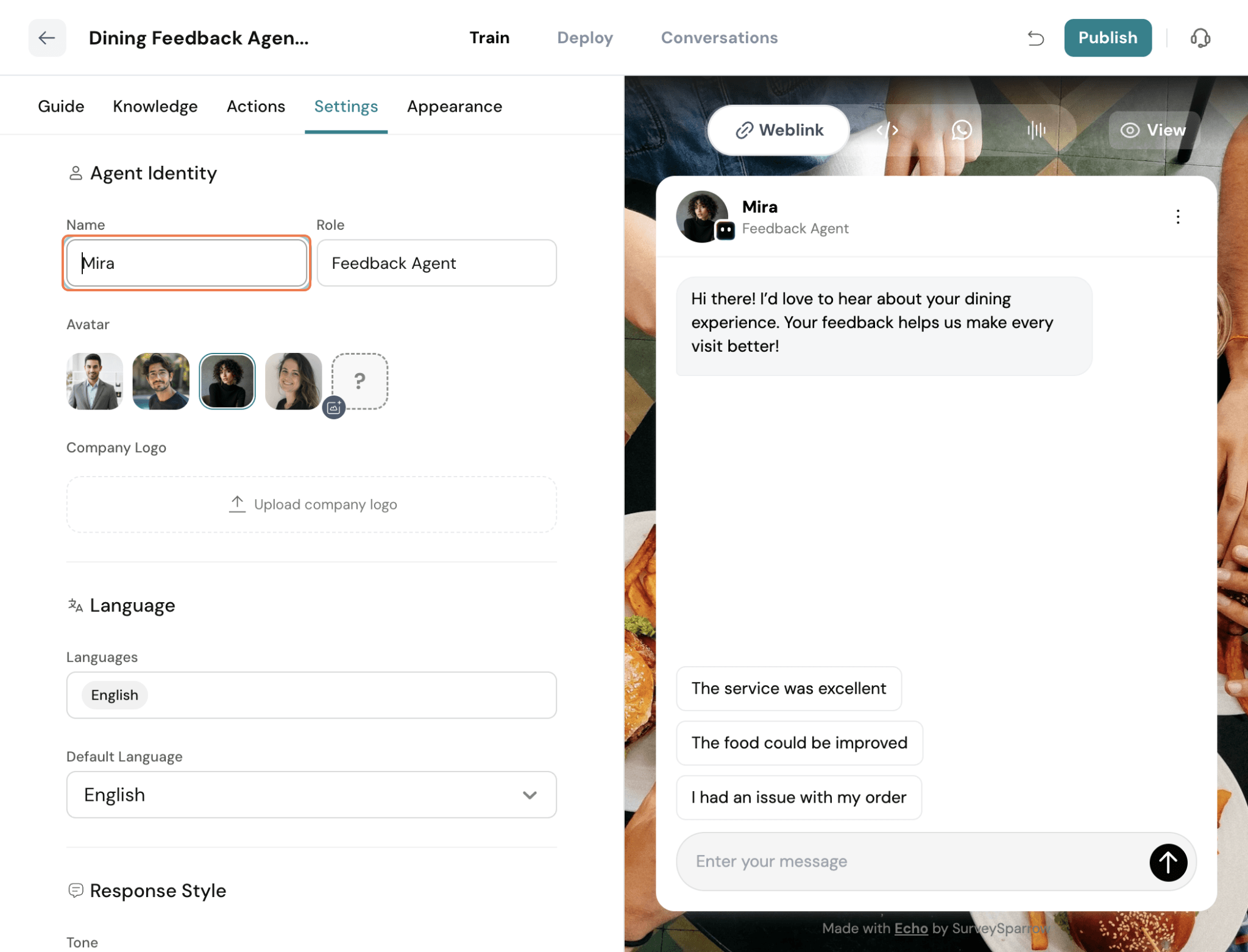
Name – Enter a name for your agent. This is how the agent will be identified.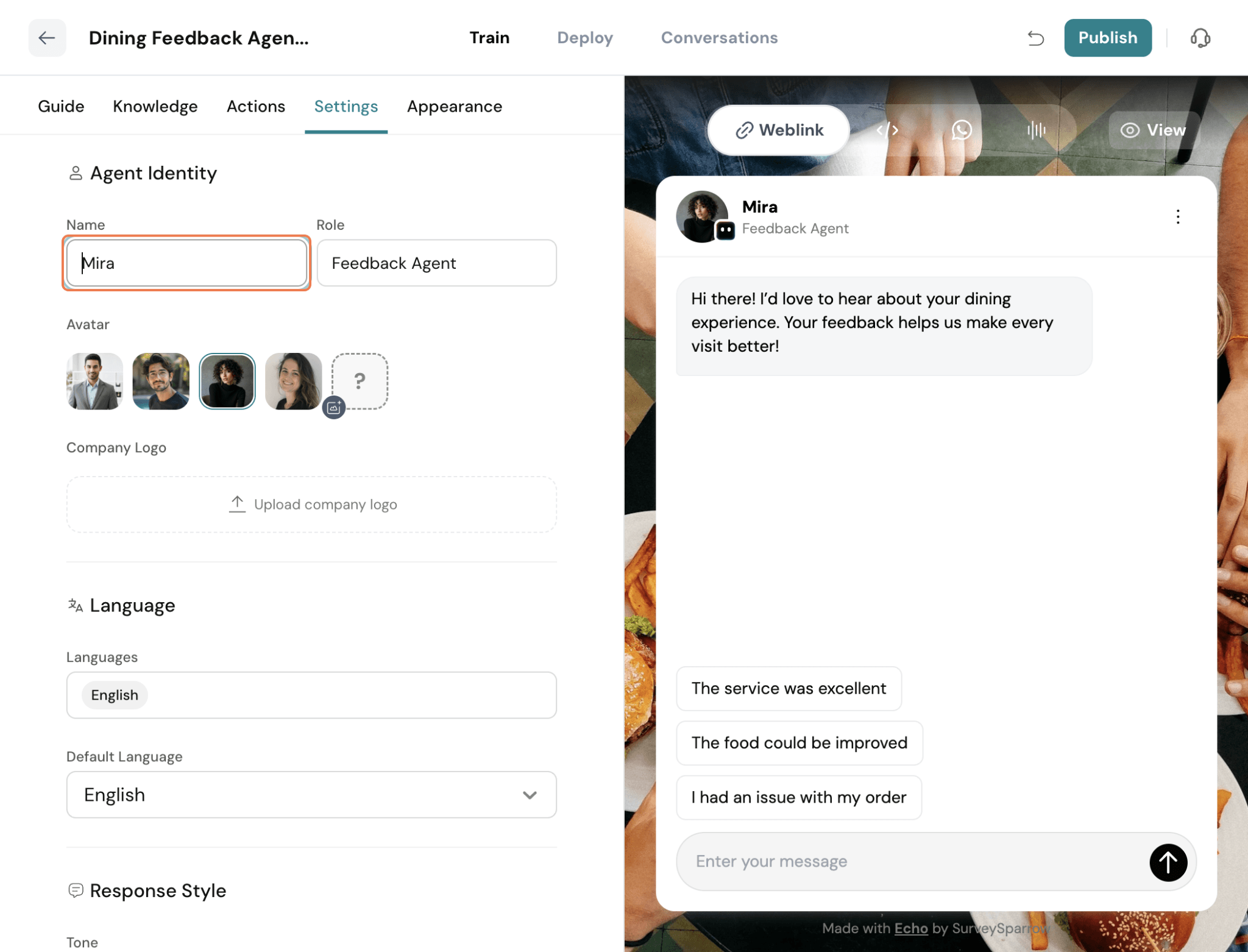
Role – Define the agent's role to specify its primary function.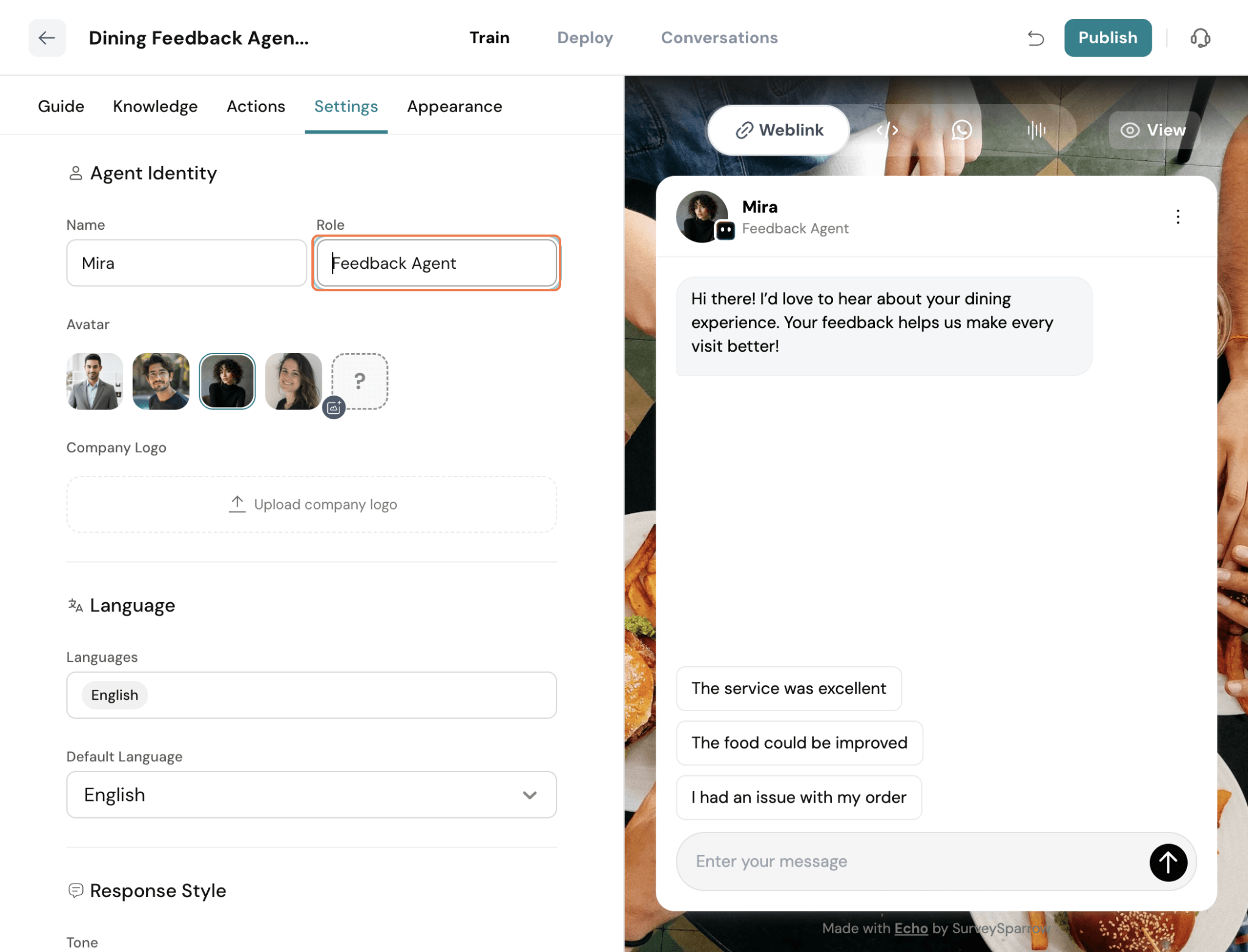
Avatar – Choose an avatar for your agent. You can select one from the available options.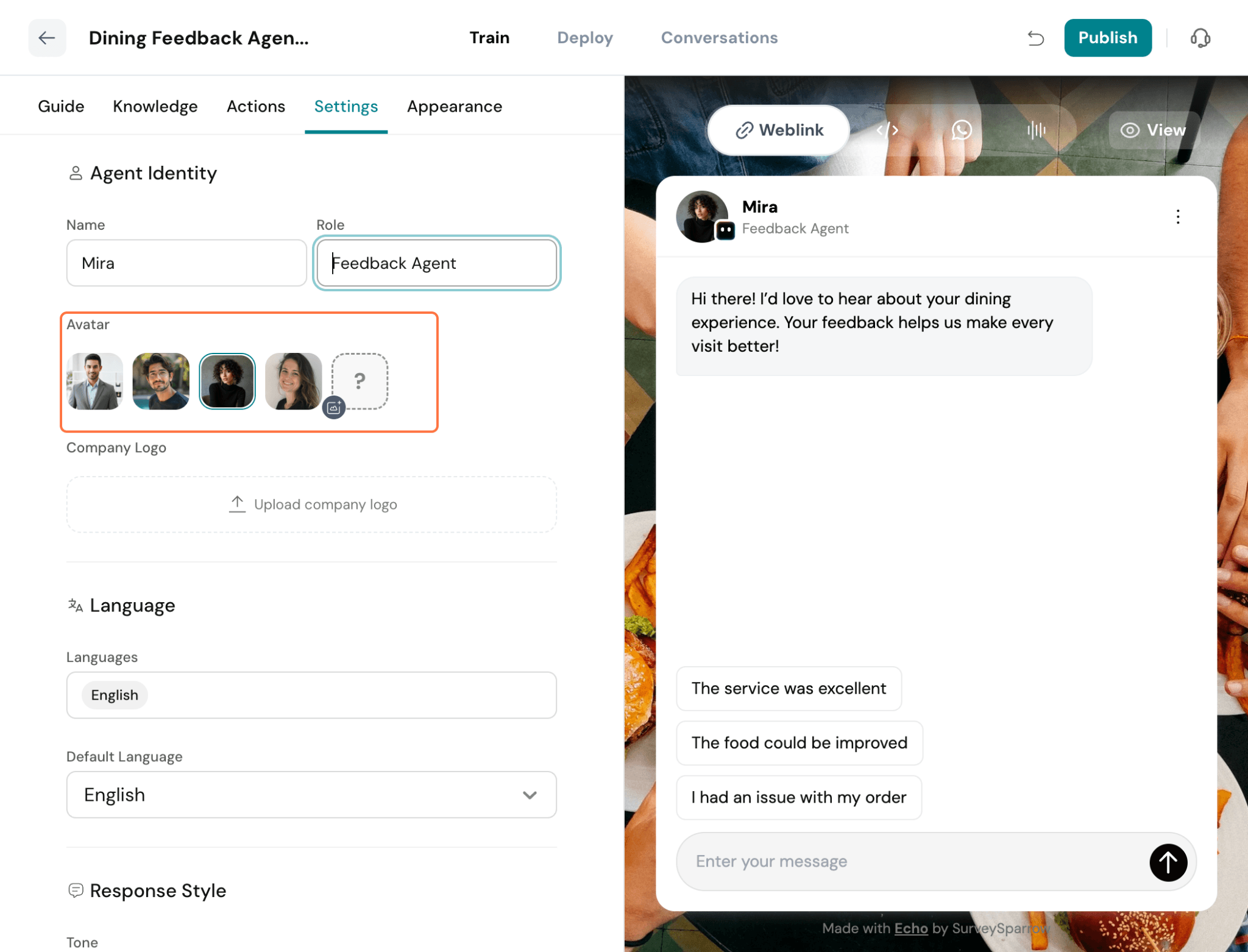
You can also upload your own to match your brand identity.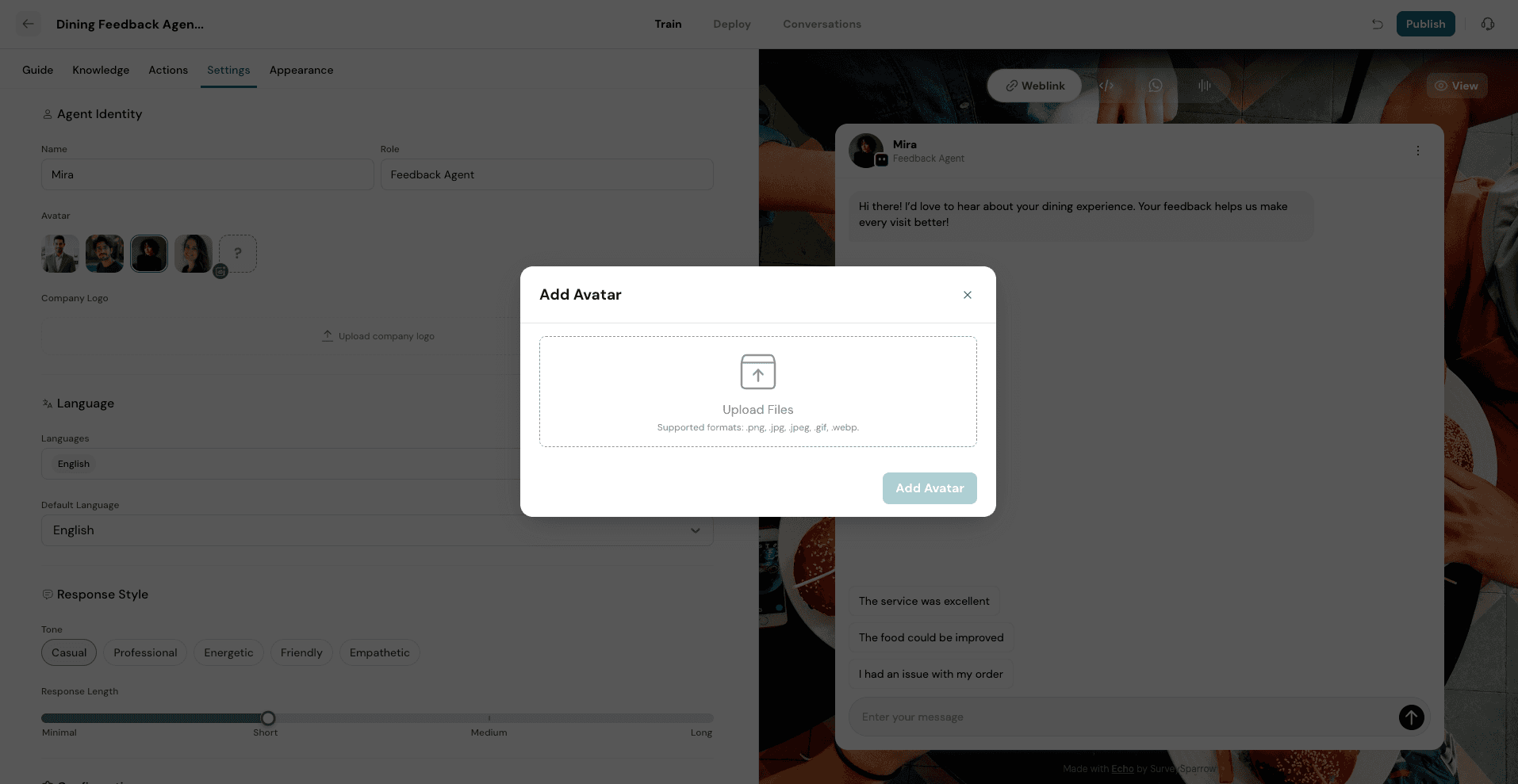
You can also configure the response length by choosing Short, Medium, or Long. Echo will tailor its responses accordingly, providing concise replies, balanced explanations, or more detailed responses based on your selection.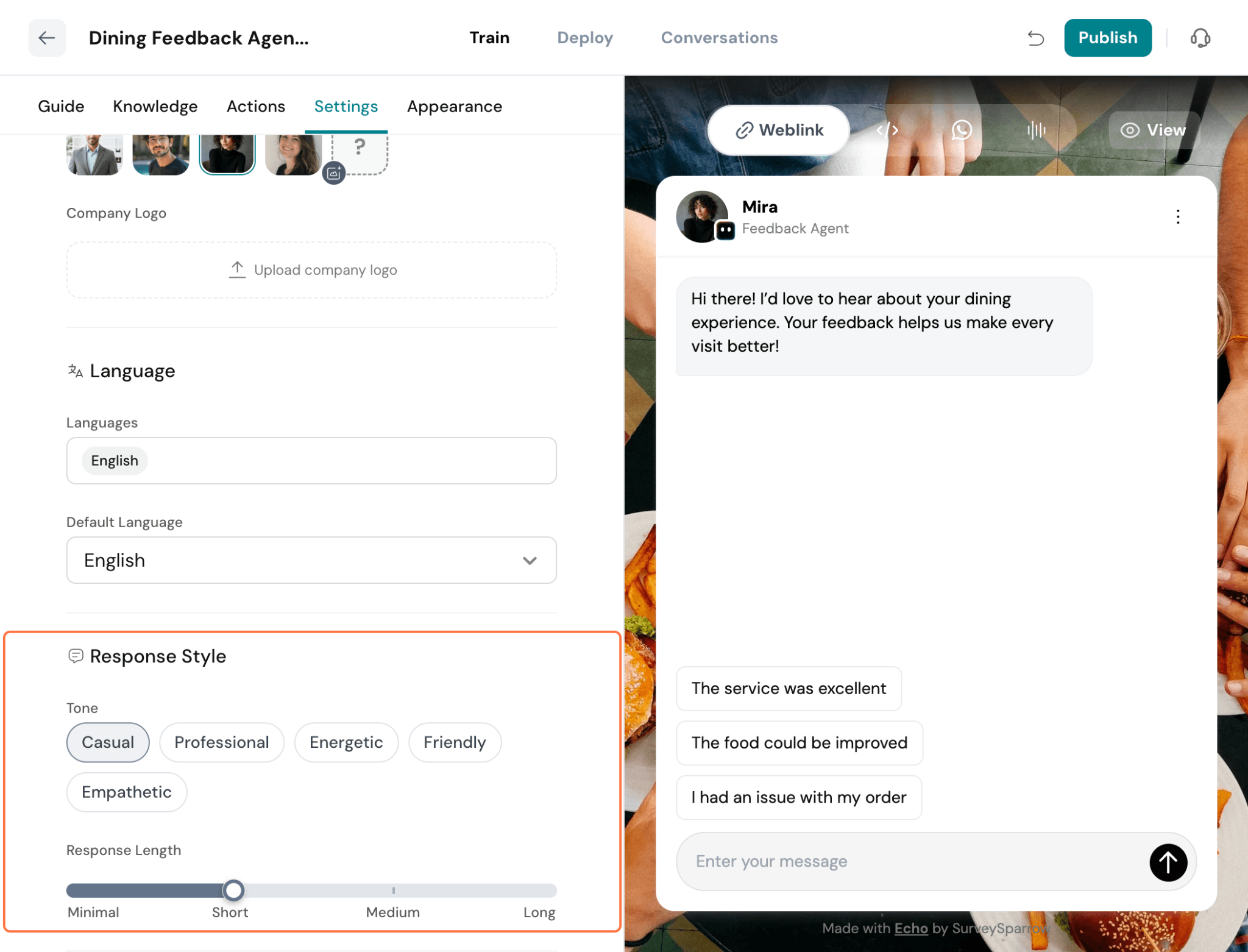
Use the Configurations section to control how your agent interacts with respondents and manages conversations.
- Track Respondent's IP – Enable this option to capture the respondent's IP address during the conversation. This can be useful for analytics, security, and fraud prevention.
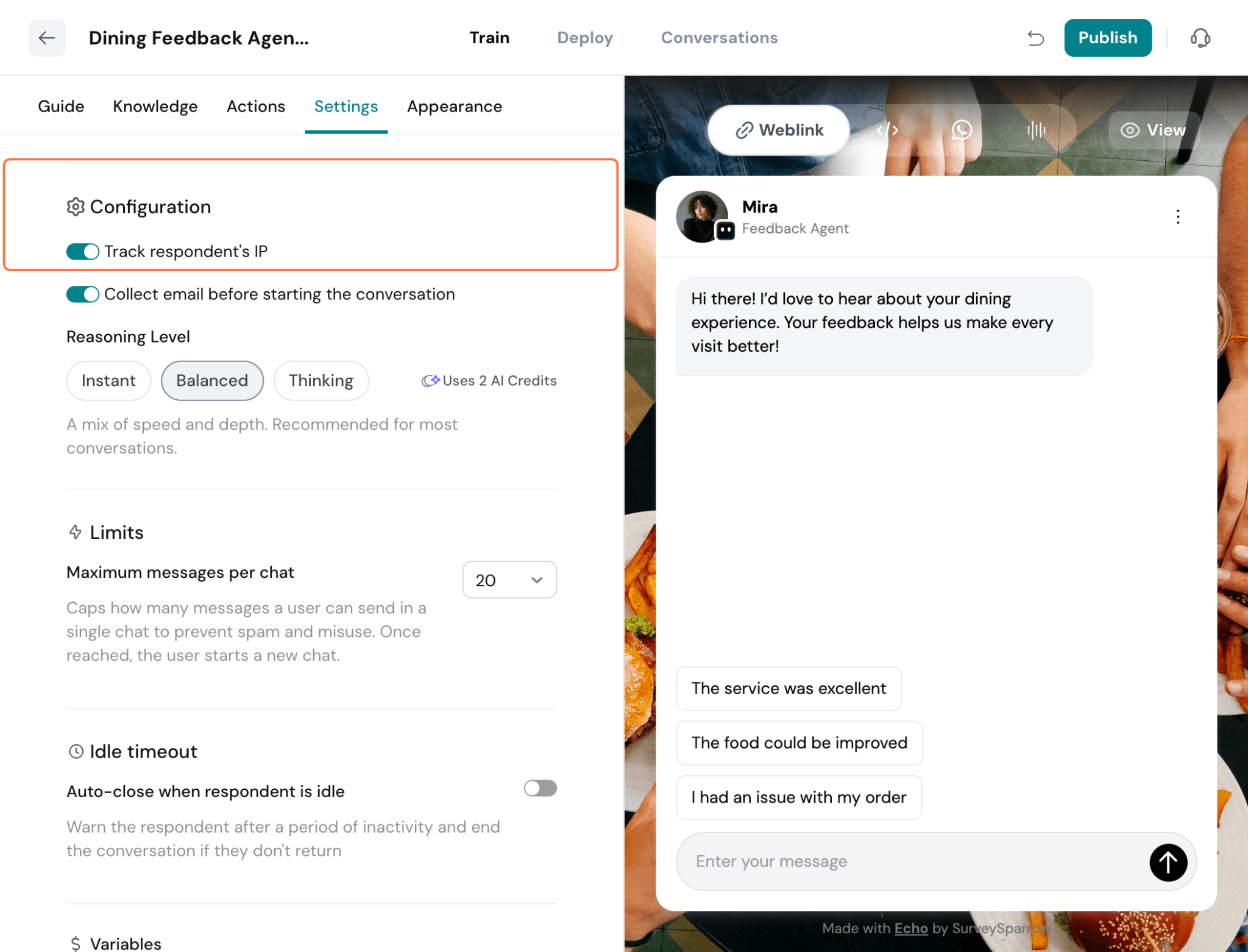
- Collect Email – Enable this option to collect the respondent's email address before the conversation begins.
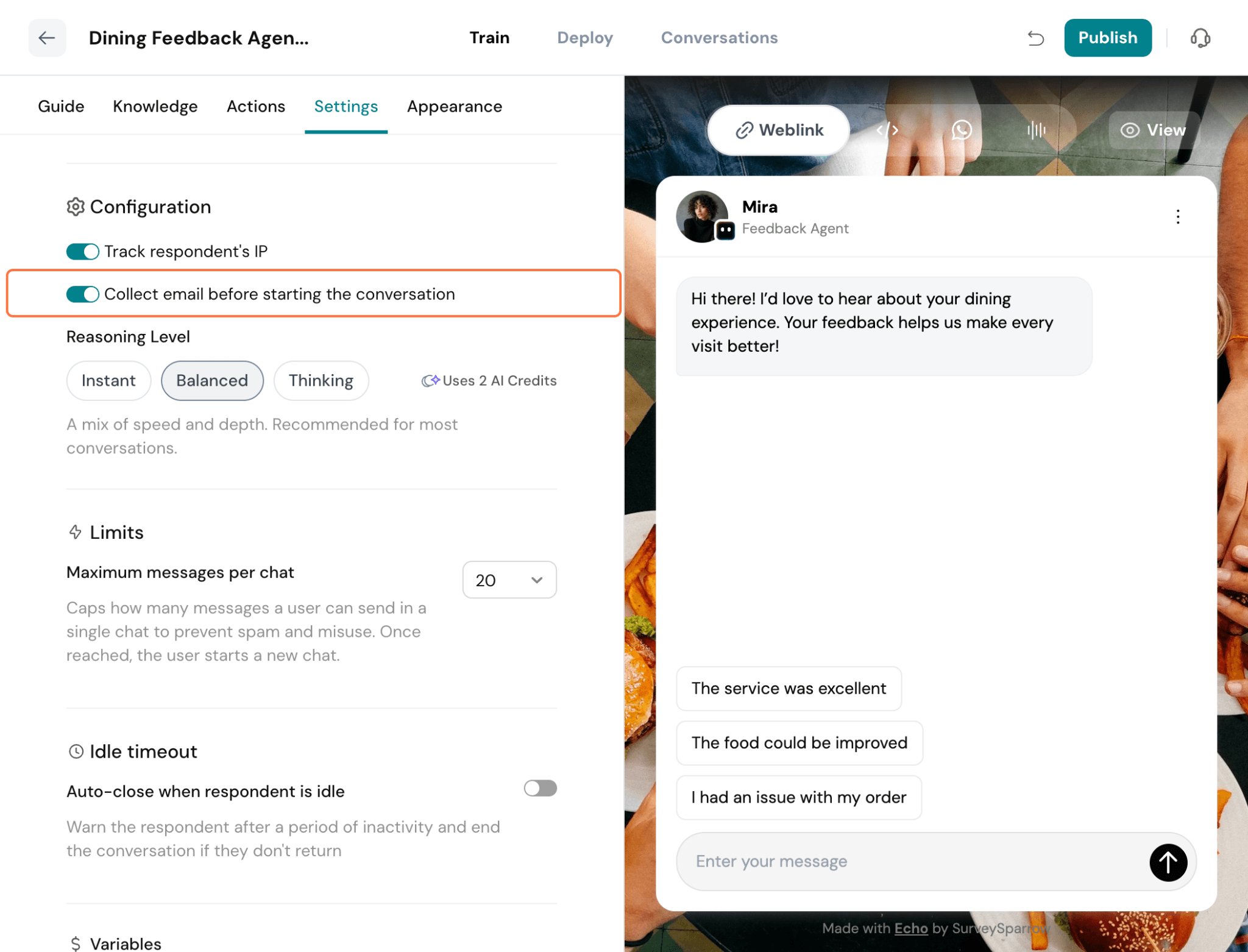
- Suggested Replies- Making it easier for users to respond naturally and quickly during a conversation. Whenever the agent sends a message where quick responses would be useful, Echo automatically identifies relevant response options and presents them to the user. These suggestions are context-aware and designed to help users continue the conversation without having to manually type a response.
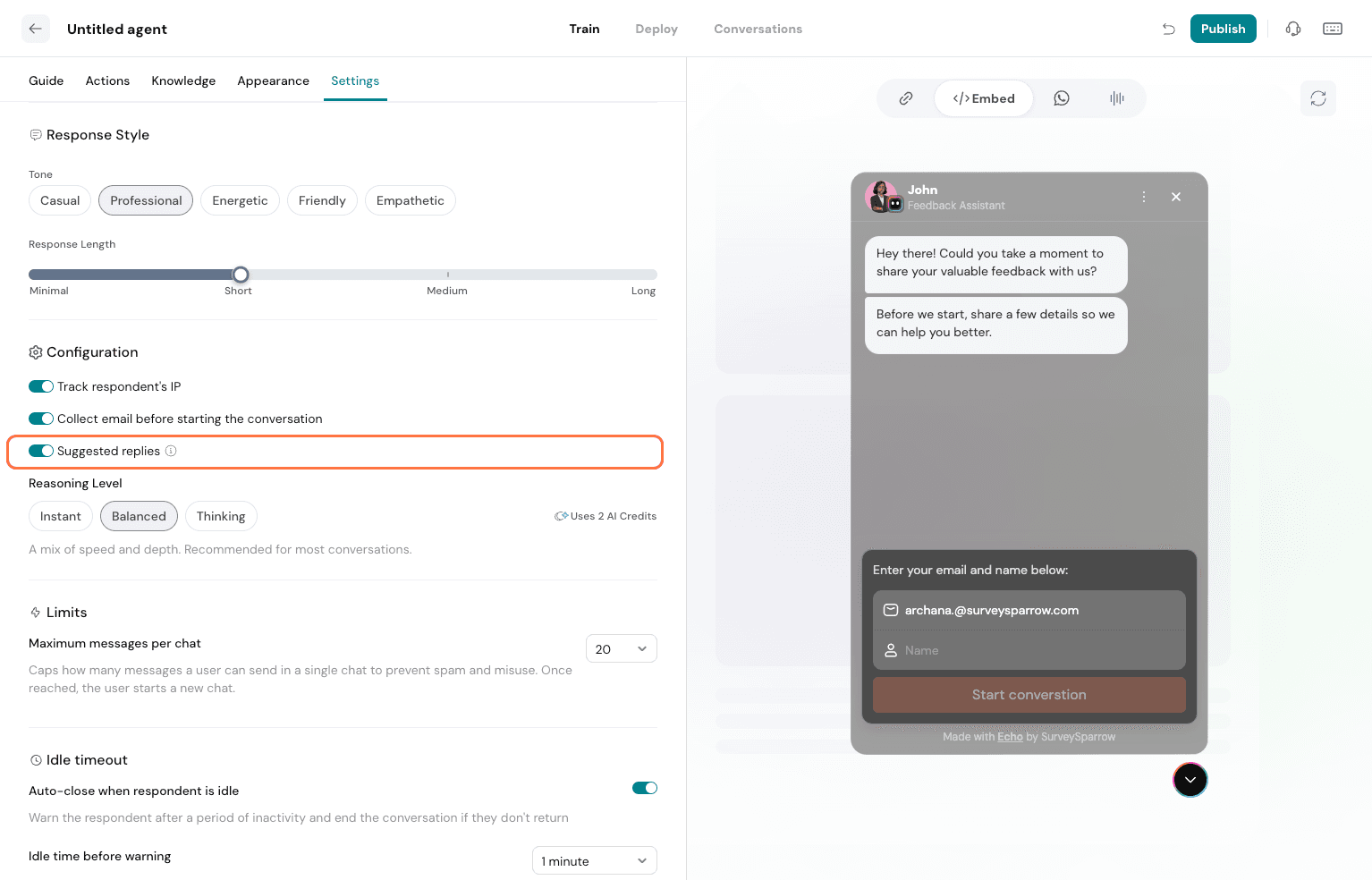
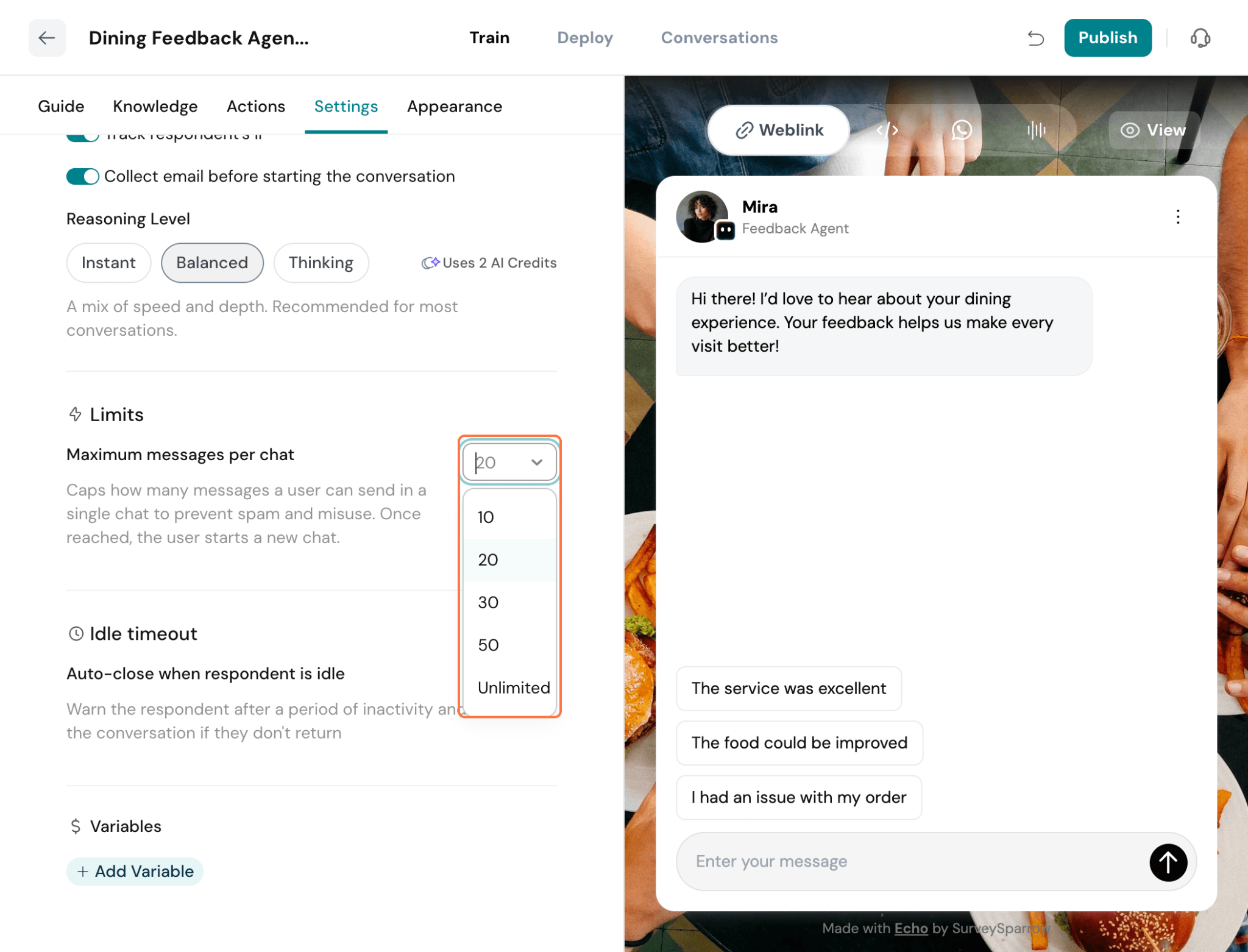
- Reasoning Level – Choose how deeply the agent processes each response before replying.
- Instant – Generates responses quickly with minimal reasoning, ideal for fast-paced conversations.
- Balanced – Takes additional time to analyze the conversation and provide more thoughtful responses.
- Thinking – Performs deeper reasoning before responding, making it suitable for more complex conversations where accuracy and context are important.
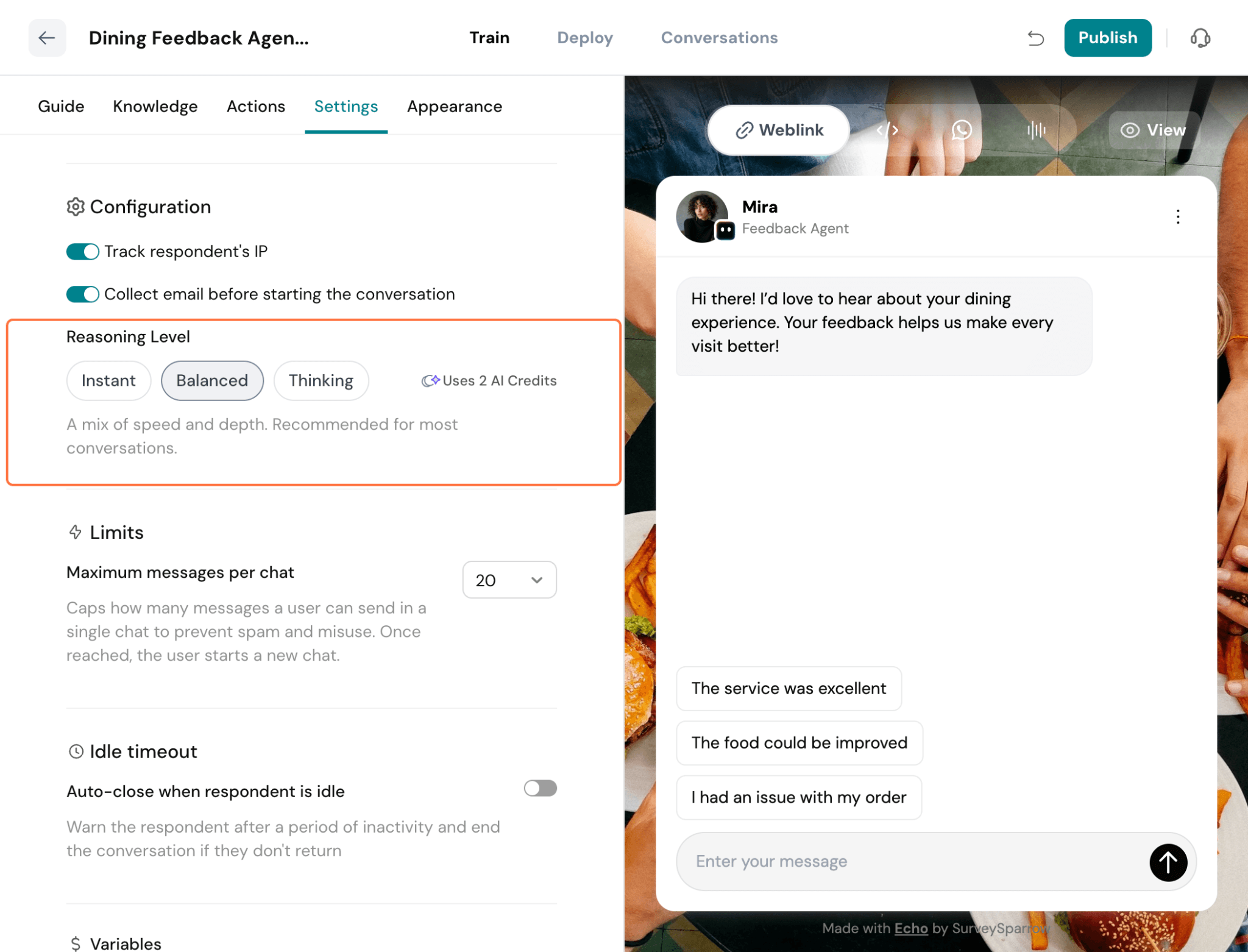
- Maximum Messages per Chat – Set the maximum number of messages a respondent can send in a single chat. This helps prevent spam and misuse. Once the limit is reached, the respondent must start a new conversation.